
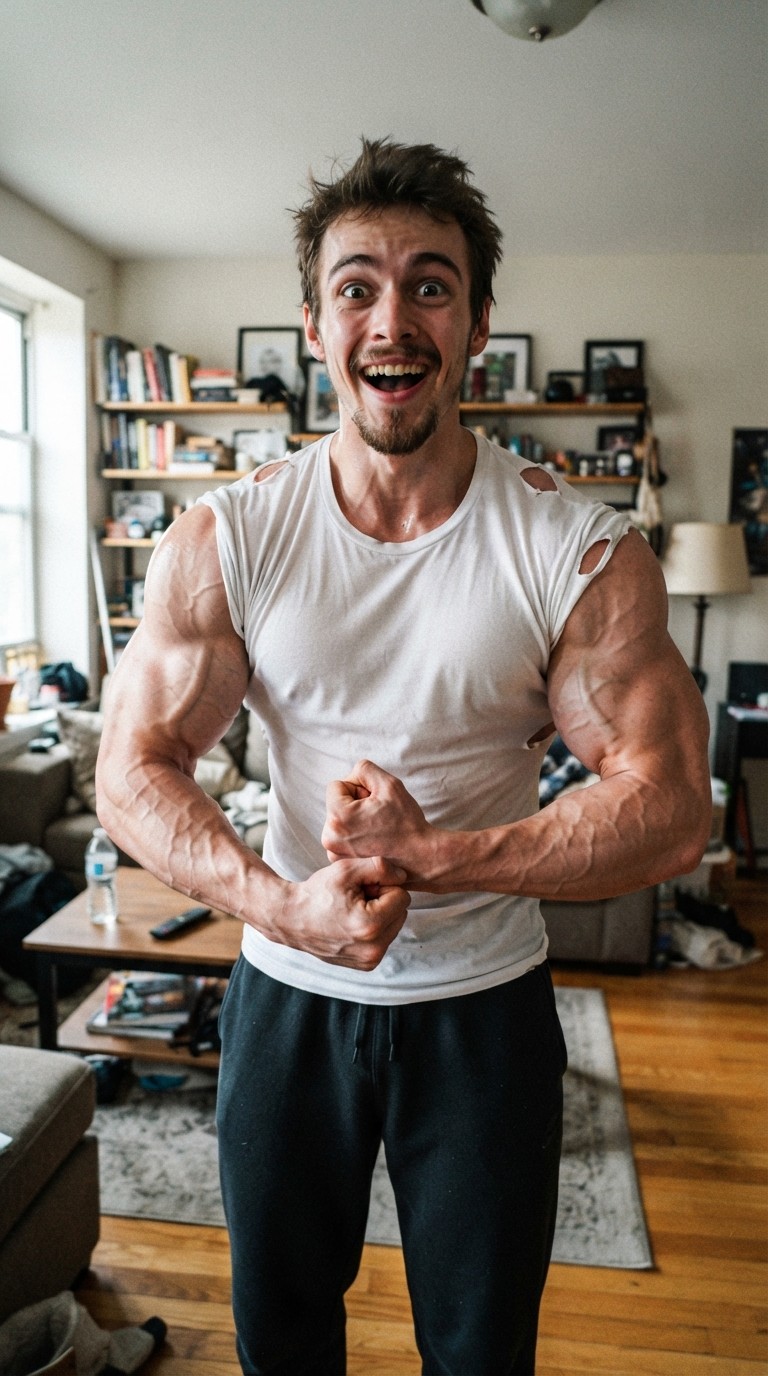
AI Muscle Filter
An over-the-top cartoon bodybuilder version of you. Vydeob's AI muscle filter turns any selfie into a funny, flexing clip.
9:16 format · 20 credits per video
How to use the AI Muscle Filter template
- Download VydeobGet Vydeob free from the App Store on your iPhone.
- Open the AI Muscle Filter templateFind “AI Muscle Filter” in the Trending tab or search for it.
- Choose your photosUpload one clear photo of your subject.
- Generate and shareTap Generate. Your video is ready in seconds, then save it or post it.
Template settings · Flex
AI Muscle Filter: questions
How do I do the AI Muscle Filter?
Download Vydeob on your iPhone, open the AI Muscle Filter template. Upload one clear photo of your subject. Then tap Generate.
What app makes the AI Muscle Filter?
Vydeob makes the AI Muscle Filter video from your own photo. It is built for viral AI trends, so there are no prompts to write.
Is the AI Muscle Filter free?
Vydeob is free to download and shows you a free preview of yourself during setup. Making trend videos uses credits, which come with the weekly plan or one-time credit packs.
Can I make it on Android?
Not yet. Vydeob is available on iPhone and iPad from the App Store.
Similar AI trends
See all →
You Never Let Her Pay
Stop your date from paying, pull out a sponge instead of a wallet, end up washing dishes.

Drink Fly Bump
One shoulder bump and your iced coffee flies at the camera in slow motion.
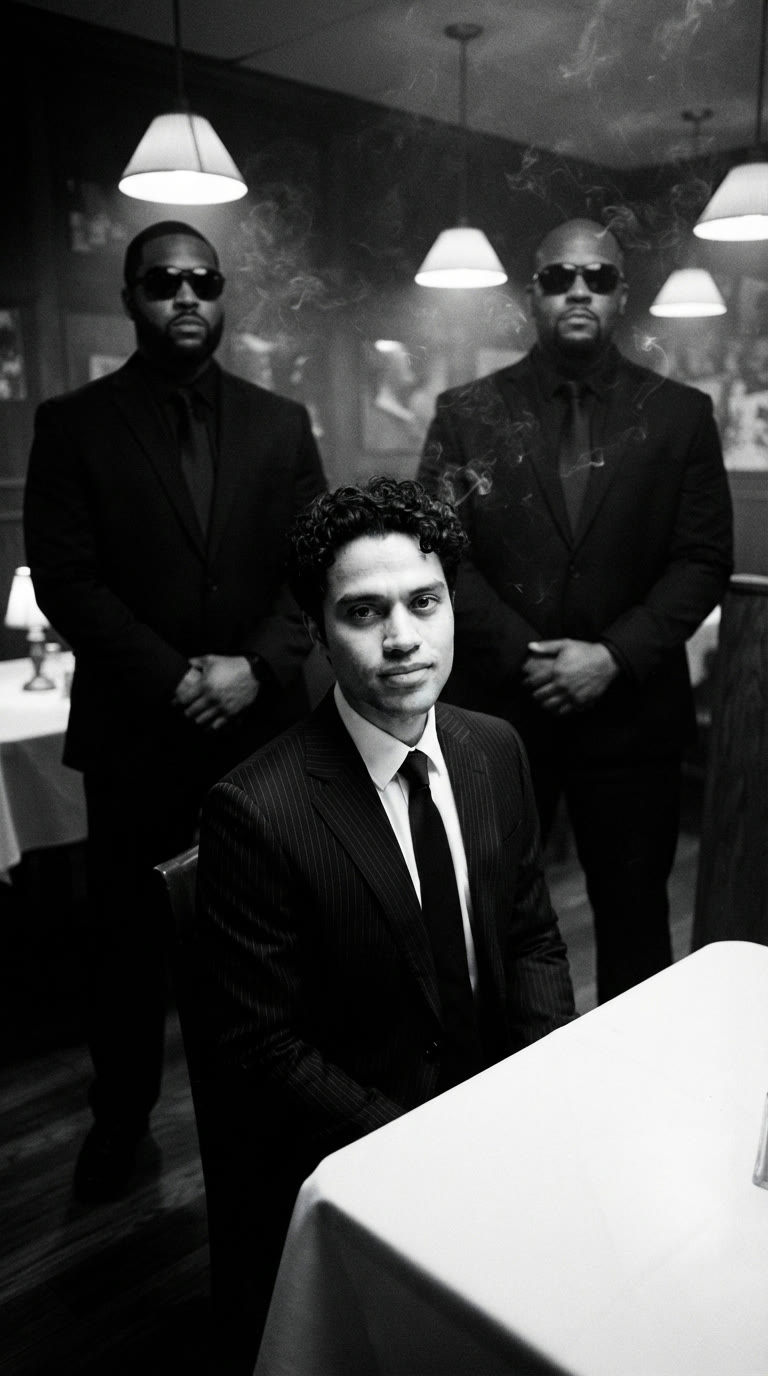
Mafia Boss Filter
Black and white, two guards behind you, the coldest walk in the room.
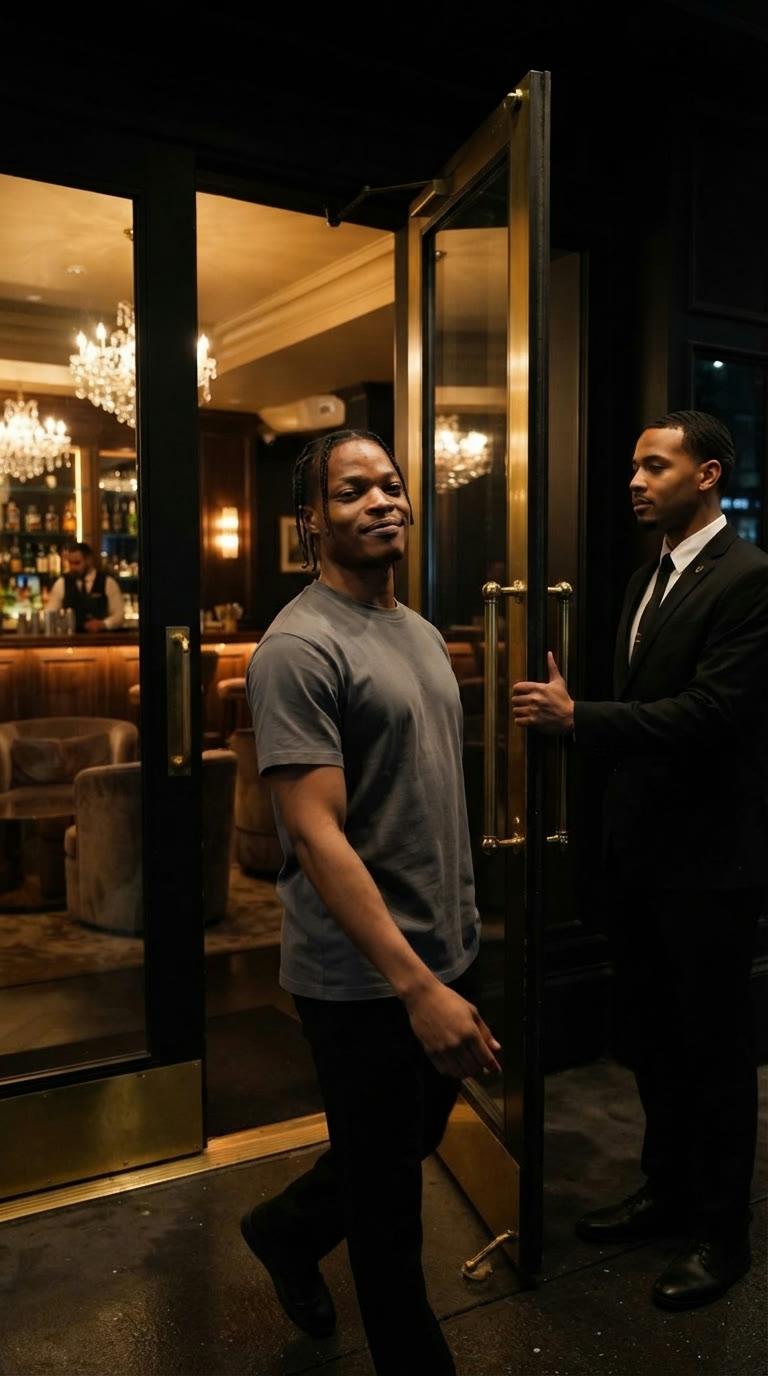
Pimp Walk Entrance
The door's held, you strut in and fan yourself with red cards.
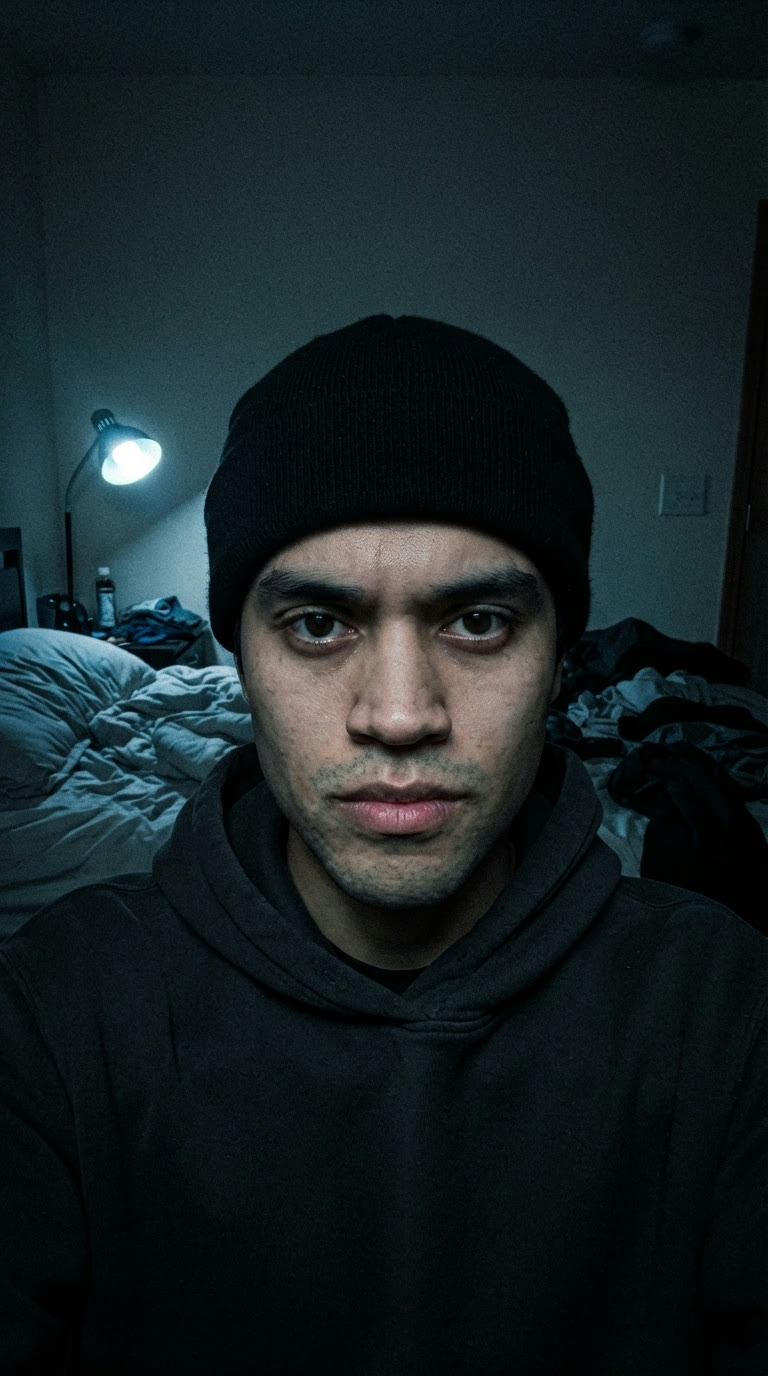
Skull Cap Trend
Goofy selfie, hand over the lens, then the skull cap goes on.

Ballon d'Or Prank
Your name gets called and you lift the Ballon d'Or. Prank your parents.
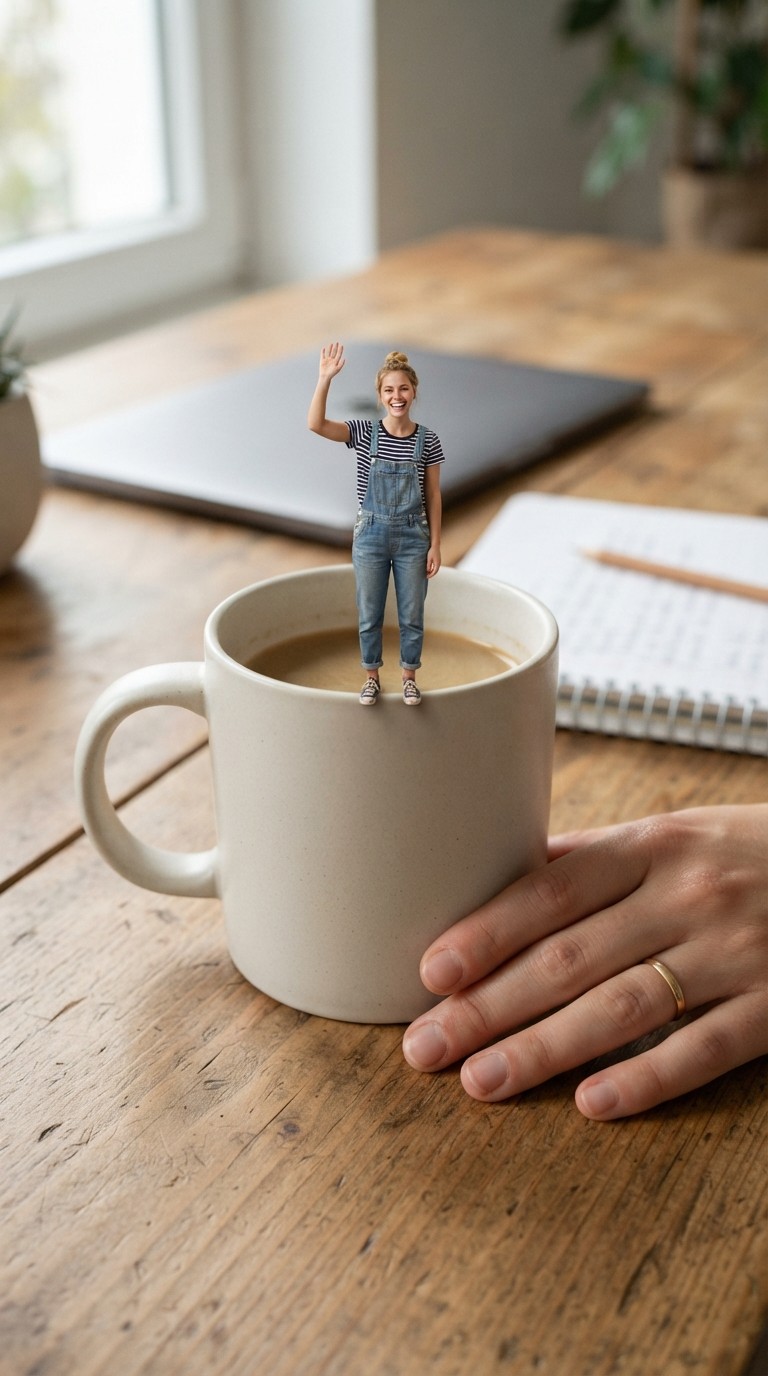
Mini Me Trend
A miniature you walks across a giant desk.
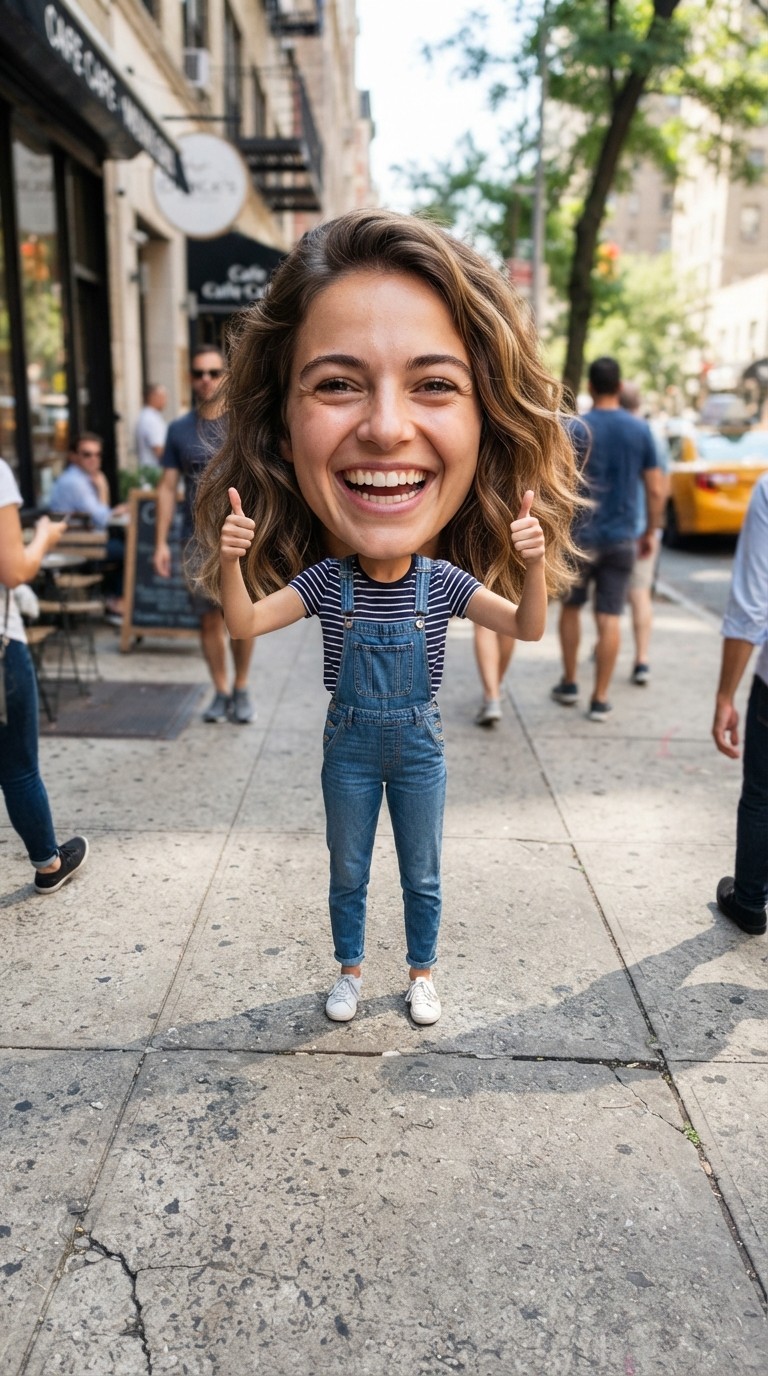
Big Head Filter
A bouncy big-head caricature.