
71 viral trends, updated weekly
Put yourself in the trend everyone's posting.
Pick a viral trend, add one selfie, and Vydeob turns it into a real video of you in the scene, in about 20 seconds.








Trending right now
See all 71 →
White Chicks
One of you sings A Thousand Miles at the wheel, the other holds the dog and suffers.
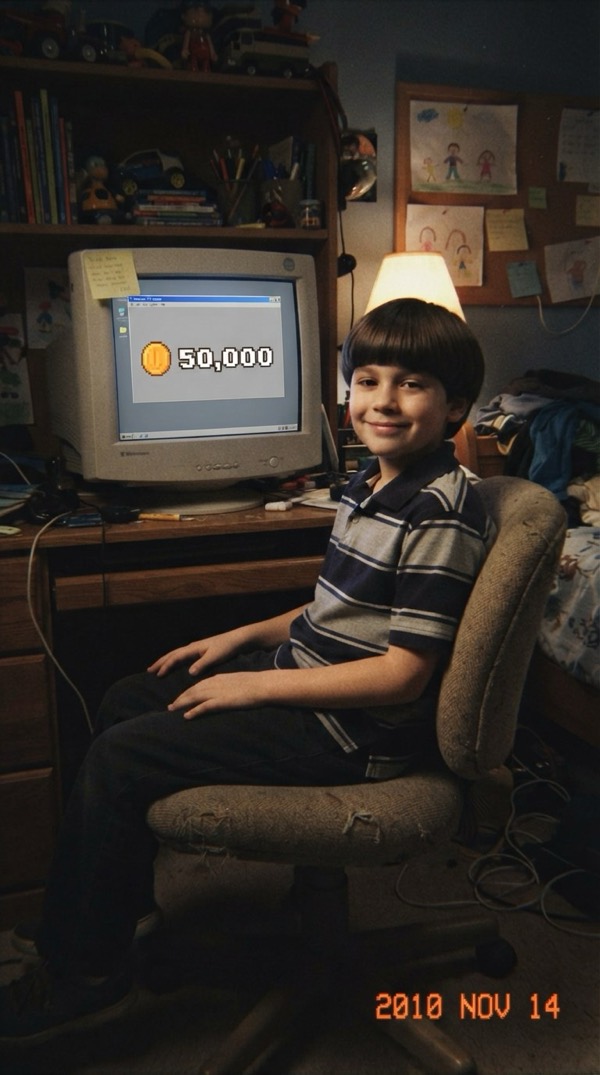
Bitcoin in 2010
You as a kid in 2010, sitting on 50,000 Bitcoin and not caring at all.

Show You Off
Fisheye selfie through the Beauty and a Beat pool party.

On The Radar
You and a friend on the green booth mic, trading the 679 hook.
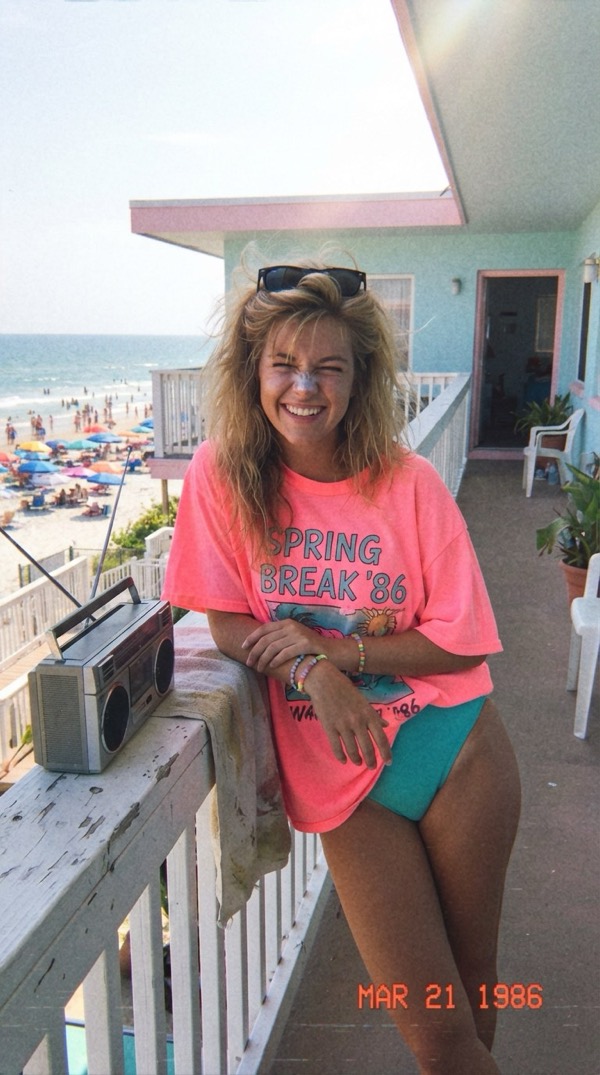
Spring Break '86
One perfect spring break day in 1986, straight off a VHS tape.

A Day in 1987
Your summer day in 1987 on a VHS home video.

Earth Zoom Out
One unbroken shot from you on the ground all the way out to space.

Skyfall
Free-fall through golden clouds, then slow motion on your fit.

Samurai Henshin
Armor builds on you plate by plate until the mask seals shut.

Giant Hand Squeeze
A giant hand squishes you like a water balloon and you fight back.

Hotel Lobby
You and a friend, rapping back and forth in the orange booth.
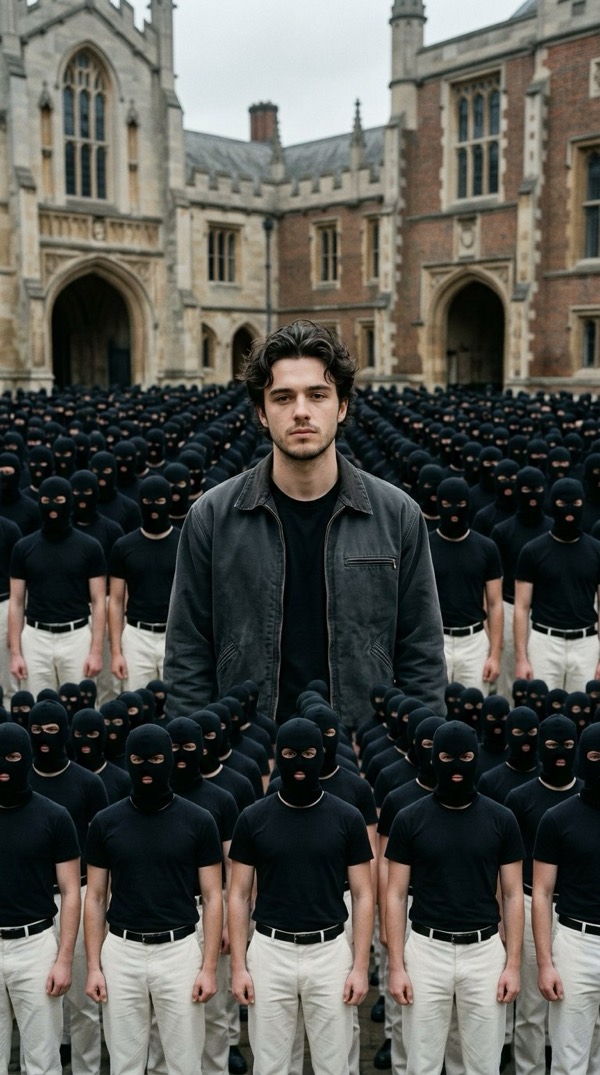
Storm
Stand still while a masked crowd moves around you.
Three taps. One video of you.
- 01
Pick a trend
Choose from the trends blowing up on TikTok and Reels right now, from movie scenes to fan cams.
- 02
Add one selfie
One clear photo of your face is all it takes. No editing, no green screen.
- 03
Post it
Your video is ready in about 20 seconds. Save it and share it anywhere.
Questions
What is Vydeob?
Vydeob is an iPhone app that turns one selfie into a short AI video of you inside today's viral trends, from fan cams and movie scenes to the Earth zoom out.
How do I make a viral AI trend video?
Open Vydeob, pick a trend, add a clear photo of your face and tap Generate. Most videos are ready in about 20 seconds.
Can I try it before paying?
Yes. During setup Vydeob shows you a free preview of yourself in the trend you picked, before you choose a plan.
How often are new trends added?
New viral trends are added as they take off, usually within days of going viral, without needing an app update.
Which languages does Vydeob support?
The app is available in 22 languages, including English, Spanish, Portuguese, Turkish, Japanese, Korean, Arabic and Hindi.
What happens to my photo?
Your photo is only used to create your video. See the privacy policy for details.