
← All trends
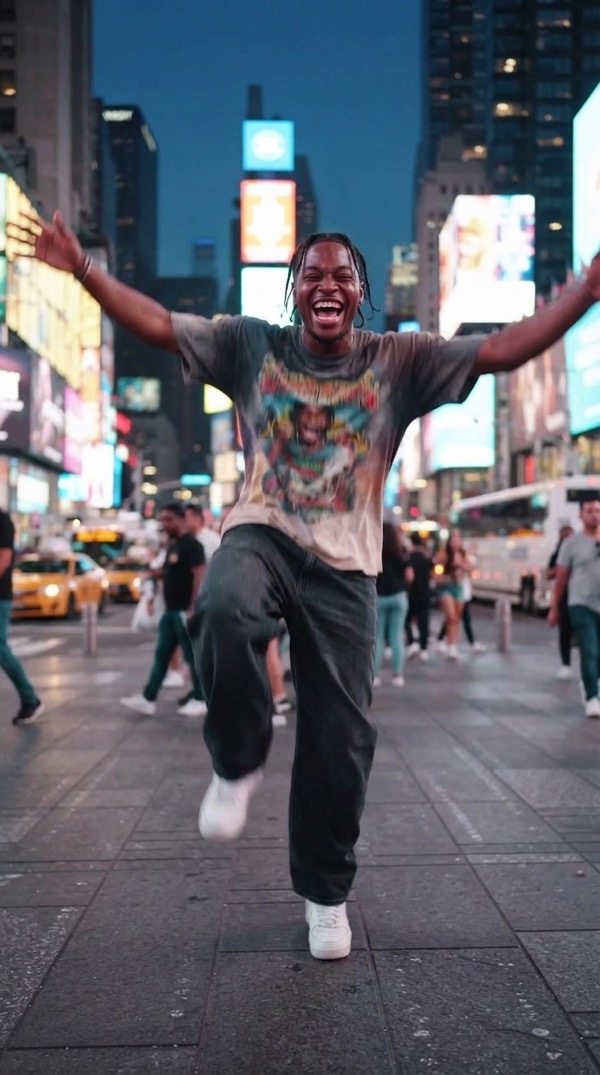
Not Very Nonchalant AI trend
Lean into unapologetic joy instead of playing it cool.
Make the viral Not Very Nonchalant video starring you. Add one photo and Vydeob creates the whole scene, ready to post in seconds.
How to make the Not Very Nonchalant trend
- Download VydeobGet Vydeob free from the App Store on your iPhone.
- Open the Not Very Nonchalant templateFind “Not Very Nonchalant” in the Trending tab or search for it.
- Add your photoUpload one clear selfie, or a photo of each person if the trend has two.
- Generate and shareTap Generate. Your video is ready in seconds, then save it or post it.
More viral trends
See all →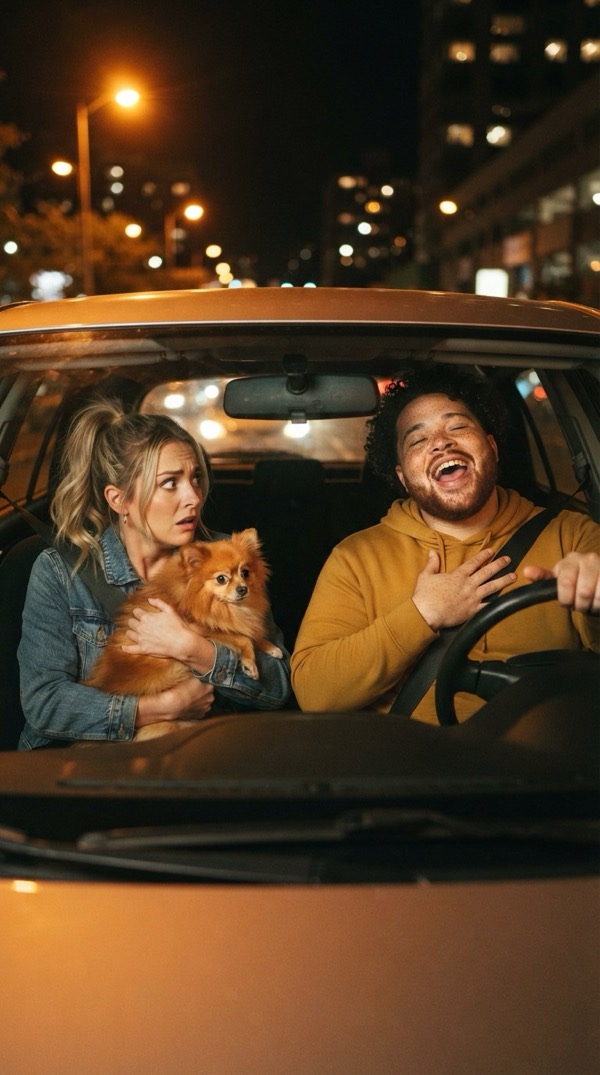
White Chicks
One of you sings A Thousand Miles at the wheel, the other holds the dog and suffers.
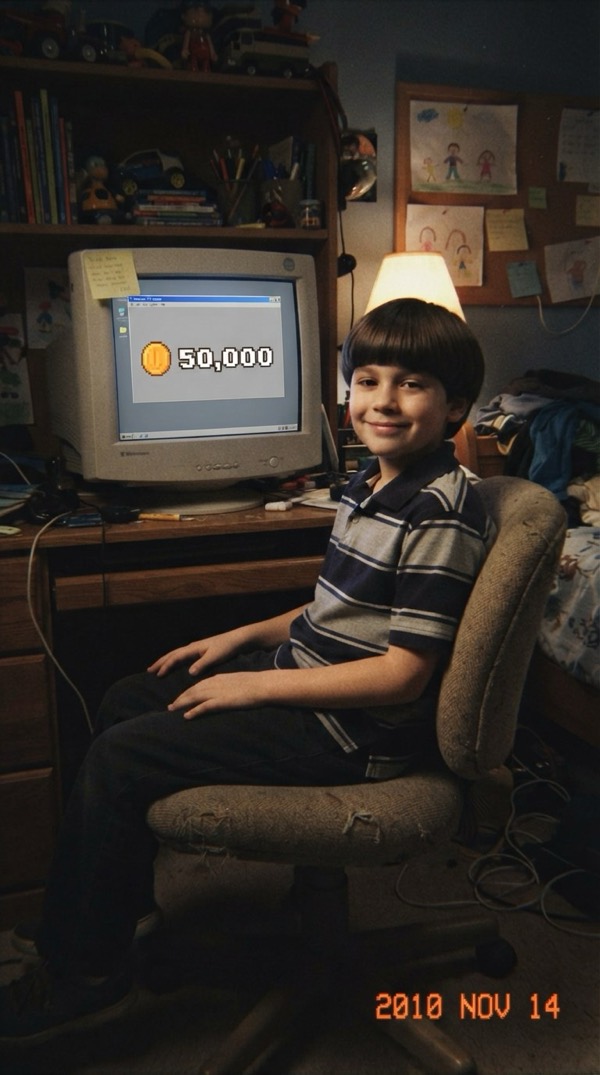
Bitcoin in 2010
You as a kid in 2010, sitting on 50,000 Bitcoin and not caring at all.

Show You Off
Fisheye selfie through the Beauty and a Beat pool party.
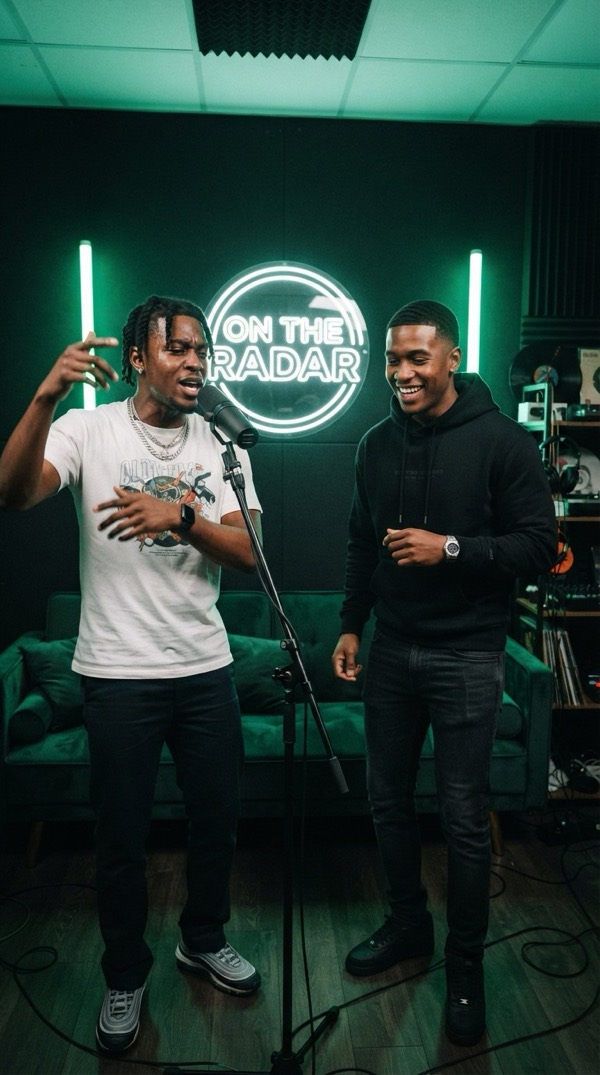
On The Radar
You and a friend on the green booth mic, trading the 679 hook.
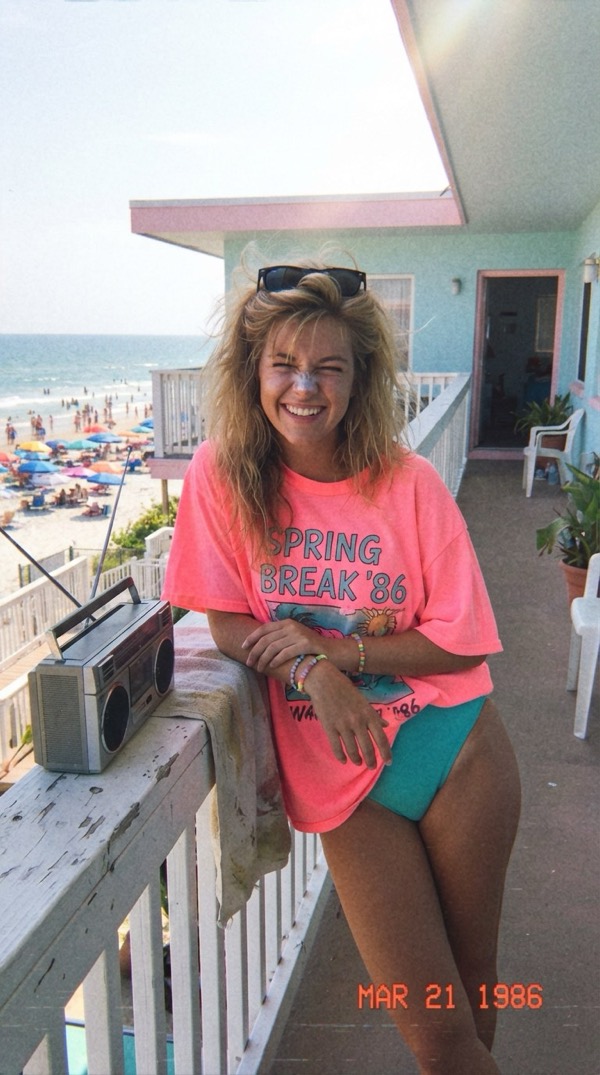
Spring Break '86
One perfect spring break day in 1986, straight off a VHS tape.
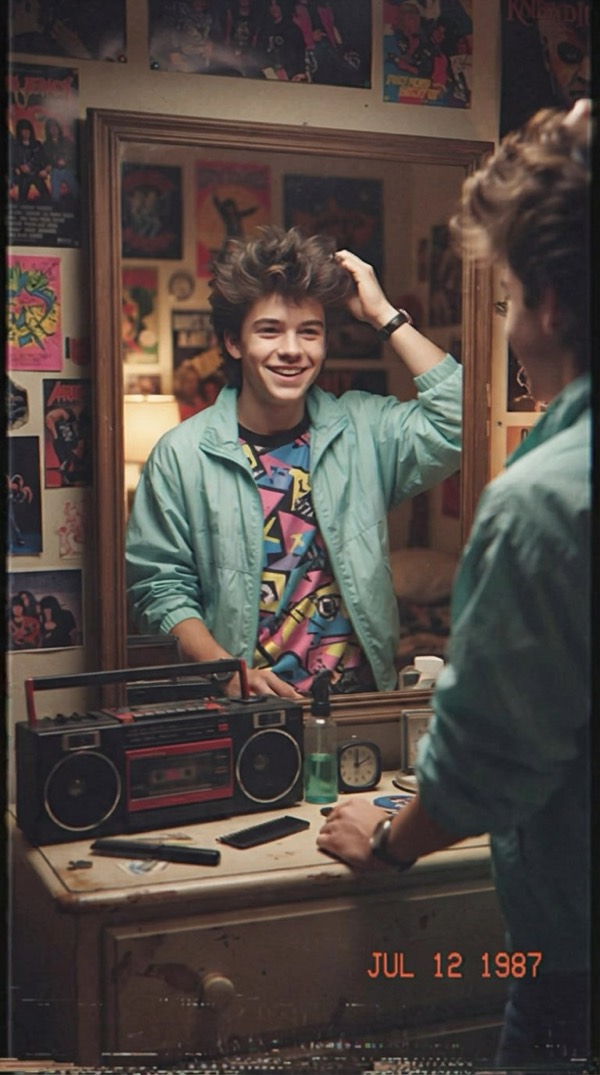
A Day in 1987
Your summer day in 1987 on a VHS home video.
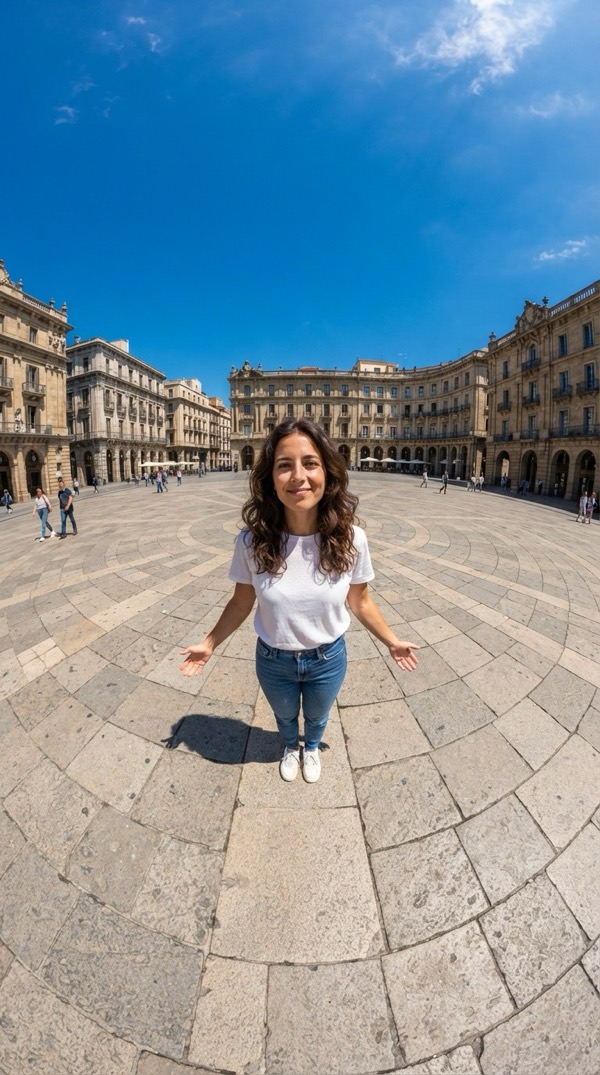
Earth Zoom Out
One unbroken shot from you on the ground all the way out to space.

Skyfall
Free-fall through golden clouds, then slow motion on your fit.