
Photo to video AI: turn your photo into a video
Vydeob is a photo to video AI app for iPhone. Add one picture of yourself, pick a viral trend, and the AI turns your photo into a short video of you in that scene, in about 20 seconds.
How photo to video AI works
Image to video AI takes a still picture and predicts how it would move: the camera, the body, the light. Most image to video AI tools ask you to describe that motion in a prompt. Vydeob skips the prompt: every trend already knows its scene, camera move and timing, so you only add your photo.
First Vydeob places you into the trend's opening frame while keeping your face, then it animates that frame into the video.
What you can make from one photo
- Action Figure Trend
- AI Yearbook Trend
- Earth Zoom Out Trend
- Hotel Lobby AI Trend
- AI Aging Filter
- AI 3D Avatar: Pixar Style Trend
- AI Dance Video
- AI Birthday Video: Make a Wish
- Royal Pet Portrait AI
- AI Mini Me Trend
See the full AI trends list.
Tips for a better AI video from your photo
- Use a sharp, well-lit photo where your face is clear and facing the camera.
- Avoid heavy filters, sunglasses and hands over your face.
- For two-person scenes, check the template. Some need one shared photo and others take a separate portrait for each role.
Questions
Can I turn a photo into a video with AI on iPhone?
Yes. Download Vydeob from the App Store, pick a trend, add your photo and tap Generate. The video is ready in about 20 seconds.
Is there a free photo to video AI?
Vydeob is free to download and shows you a free preview of yourself in a trend during setup. Creating videos after that uses credits from the weekly plan or one-time credit packs.
Do I need to write a prompt?
No. Each trend comes with its own scene and motion, so you only add your photo.
Is photo to video AI available on Android?
Vydeob is available on iPhone and iPad only for now.
What happens to my photo?
Your photo is only used to create your video. See the privacy policy for details.
Trending right now
See all 94 →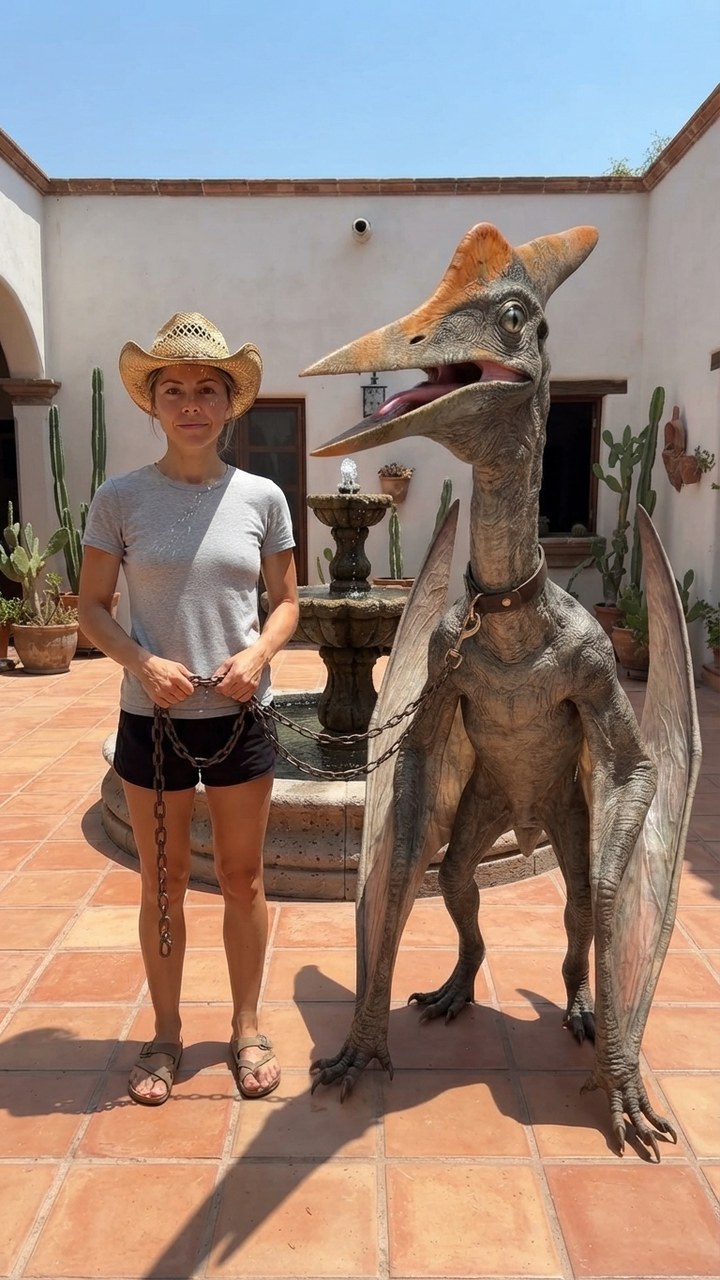
Mexico Pterodactyl
Walk your pet pterodactyl on a chain through a sunny Mexican courtyard like it's normal.
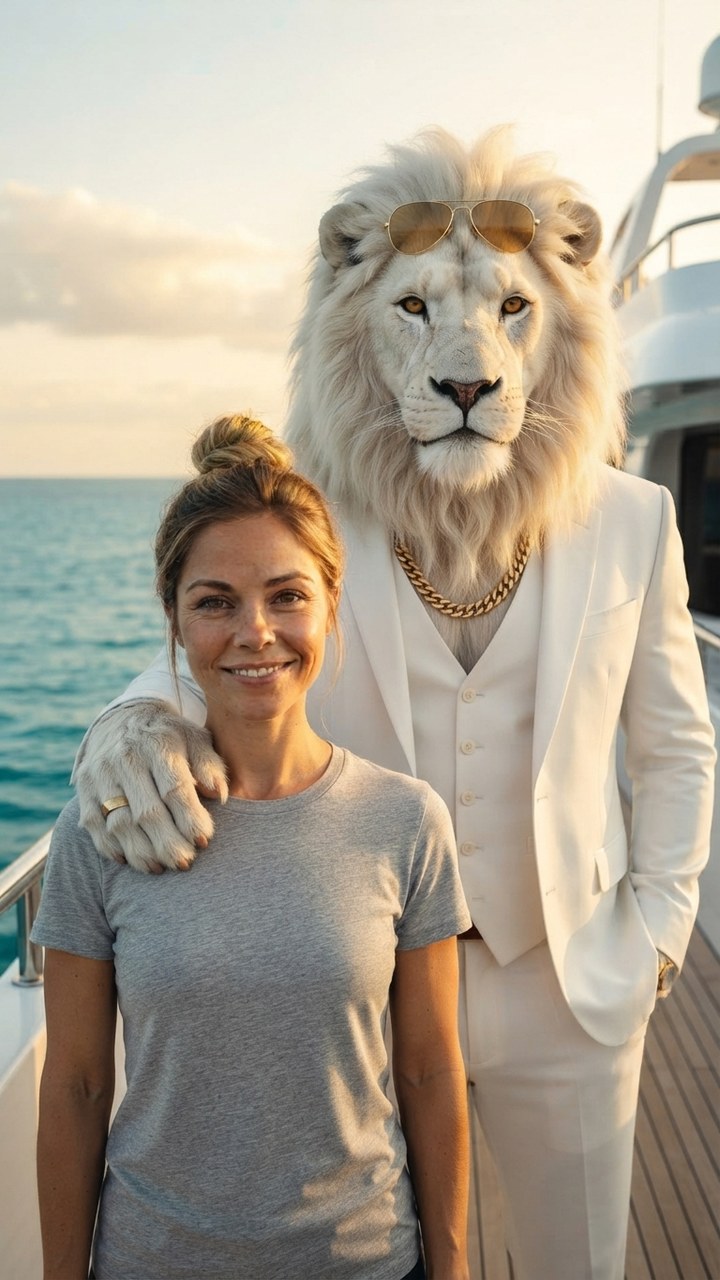
Sheru Bhai AI
Stand next to Sheru Bhai, the white lion boss in a white suit, on his yacht.

GTA 6 Loading Screen
You as the painted hero of a GTA 6 loading screen under a pink Vice City sunset.
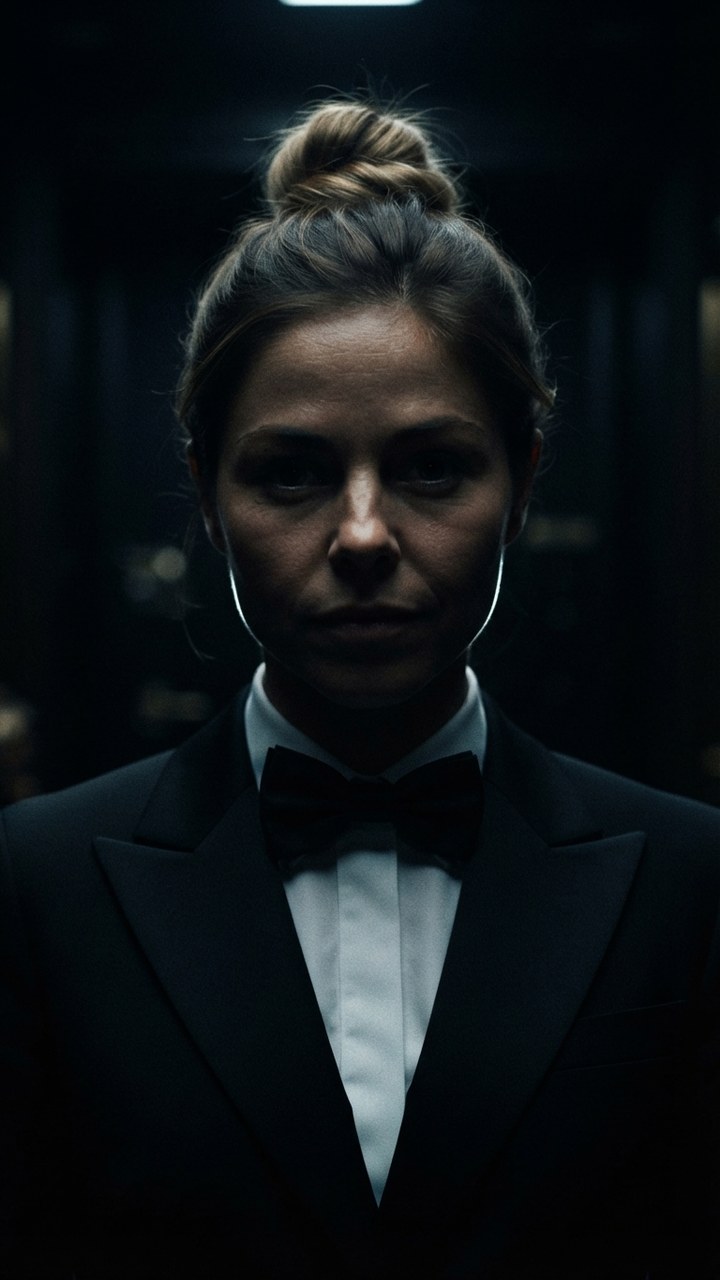
James Bond Reveal
Step out of total darkness in a tuxedo like the next 007.

Pixar Snow Globe
You as a tiny animated-movie character inside a glowing Christmas snow globe.
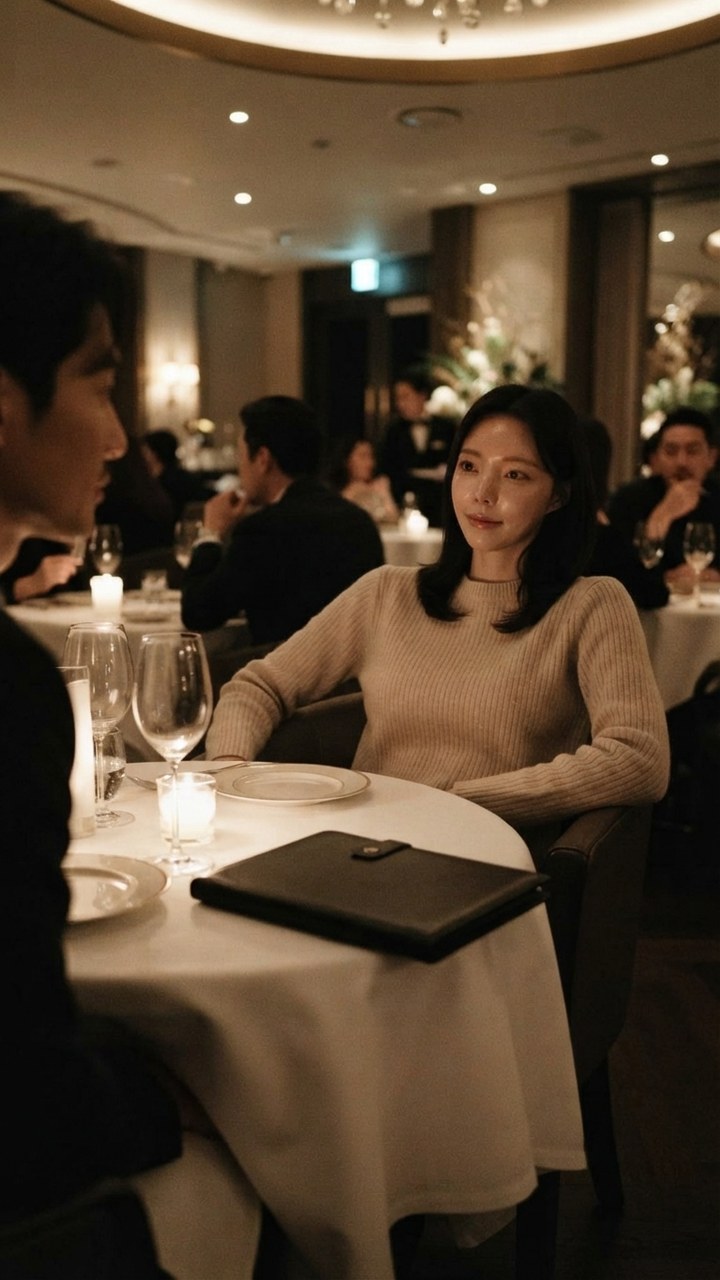
You Never Let Her Pay
Stop your date from paying, pull out a sponge instead of a wallet, end up washing dishes.