
How to do viral AI trends
Every week a new AI trend takes over TikTok and Reels. Here is how to do them yourself, without writing prompts or editing, using one photo and the Vydeob app.
How to do any AI trend in 4 steps
- Download VydeobGet it free from the App Store on your iPhone.
- Pick the trendFind it in the Trending tab or search by name.
- Add your photoUse the photo slots shown in the template. Duo scenes can use a shared photo or separate portraits.
- Generate and postYour video is ready in about 20 seconds. Save it and post it to TikTok, Reels or Shorts.
The AI trends people search for most
- How to do the action figure trend
- How to do the AI yearbook trend
- How to do the Earth zoom out trend
- How to do the hotel lobby AI trend
- How to do the On The Radar trend
- How to do the Netflix documentary trend
- How to do the stadium fan cam trend
- How to do the AI mini me trend
- How to do the White Chicks AI trend
- How to do the paparazzi trend
Why trends beat prompts
Most AI trend videos online come with a long prompt to copy and paste into an AI video generator, and the result rarely matches the original. Vydeob templates are built per trend, so the scene, camera and timing already match what is going viral. You keep your own face in every shot.
Questions
What is the viral AI trend right now?
Trends change weekly. Right now people are searching for the Mexico Pterodactyl AI Trend, Sheru Bhai AI video template, GTA-style loading screen video generator, AI spy movie tuxedo reveal. New trends are added to Vydeob as they take off.
Do I need an AI trend video prompt?
Not with Vydeob. Each trend has its own built-in scene and motion, so you only add a photo.
What app do people use for AI trends?
Vydeob is an iPhone app made for viral AI trends: pick a trend, add a photo and get the video in about 20 seconds.
Is it free?
Vydeob is free to download and shows you a free preview of yourself during setup. Making trend videos uses credits.
Trending right now
See all 94 →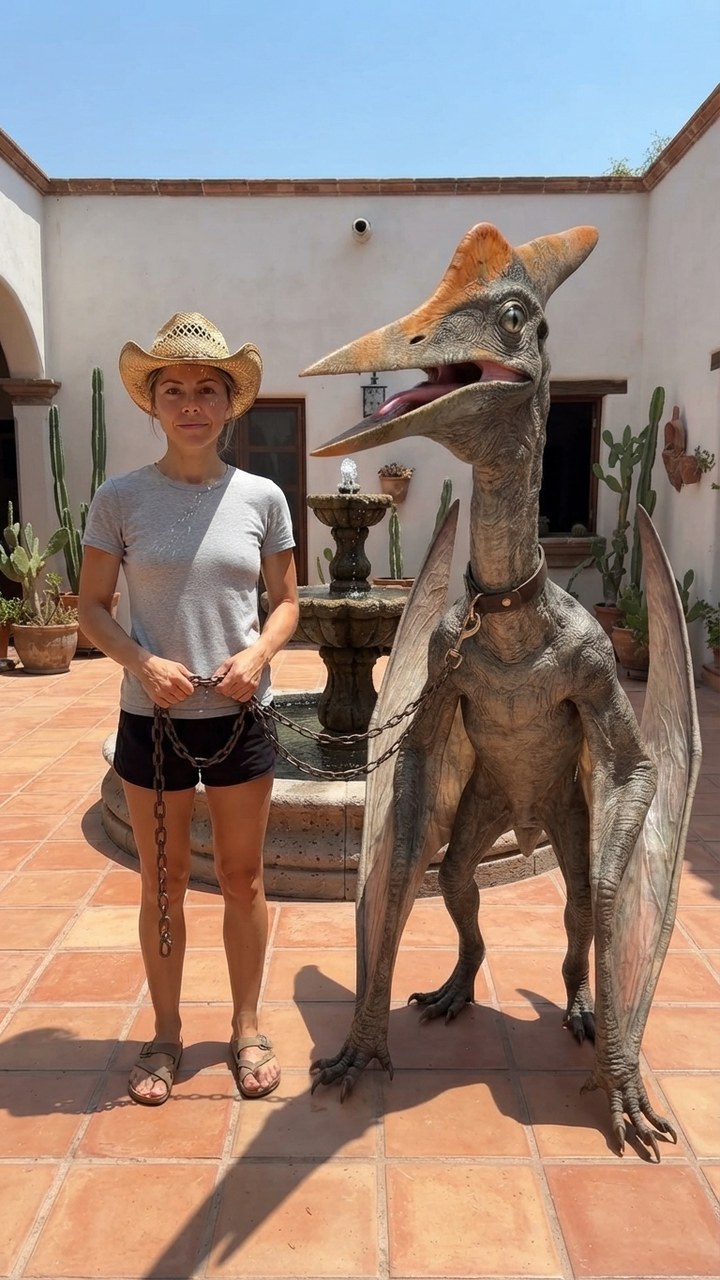
Mexico Pterodactyl
Walk your pet pterodactyl on a chain through a sunny Mexican courtyard like it's normal.
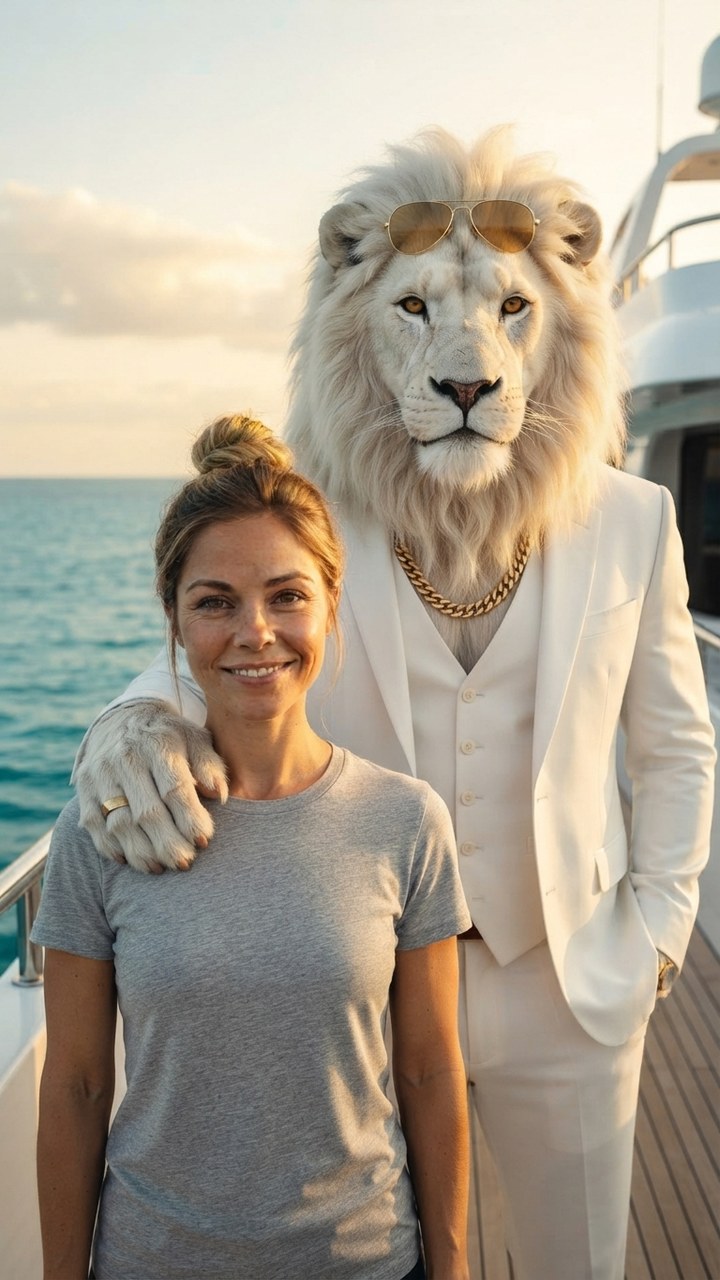
Sheru Bhai AI
Stand next to Sheru Bhai, the white lion boss in a white suit, on his yacht.

GTA 6 Loading Screen
You as the painted hero of a GTA 6 loading screen under a pink Vice City sunset.
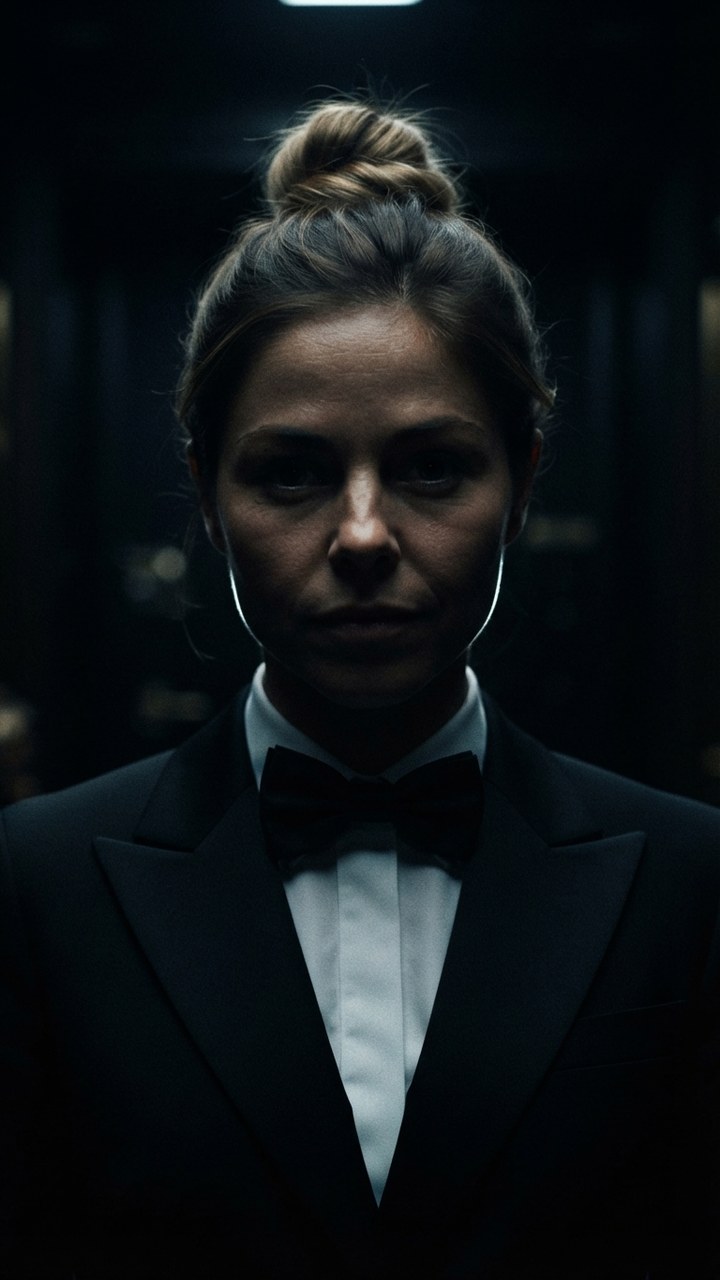
James Bond Reveal
Step out of total darkness in a tuxedo like the next 007.

Pixar Snow Globe
You as a tiny animated-movie character inside a glowing Christmas snow globe.

You Never Let Her Pay
Stop your date from paying, pull out a sponge instead of a wallet, end up washing dishes.