
← All trends
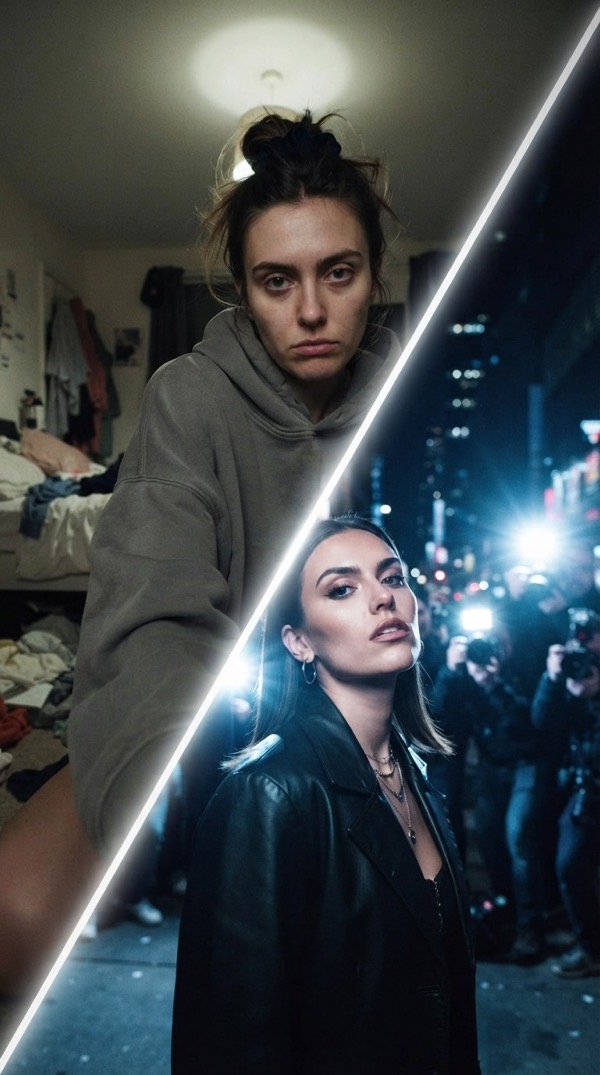
Paparazzi Ugly-to-Hot Transition AI trend
An off-guard arrival becomes a full flashbulb fashion reveal.
Make the viral Paparazzi Ugly-to-Hot Transition video starring you. Add one photo and Vydeob creates the whole scene, ready to post in seconds.
How to make the Paparazzi Ugly-to-Hot Transition trend
- Download VydeobGet Vydeob free from the App Store on your iPhone.
- Open the Paparazzi Ugly-to-Hot Transition templateFind “Paparazzi Ugly-to-Hot Transition” in the Trending tab or search for it.
- Add your photoUpload one clear selfie, or a photo of each person if the trend has two.
- Generate and shareTap Generate. Your video is ready in seconds, then save it or post it.
More viral trends
See all →
White Chicks
One of you sings A Thousand Miles at the wheel, the other holds the dog and suffers.

Bitcoin in 2010
You as a kid in 2010, sitting on 50,000 Bitcoin and not caring at all.

Show You Off
Fisheye selfie through the Beauty and a Beat pool party.

On The Radar
You and a friend on the green booth mic, trading the 679 hook.
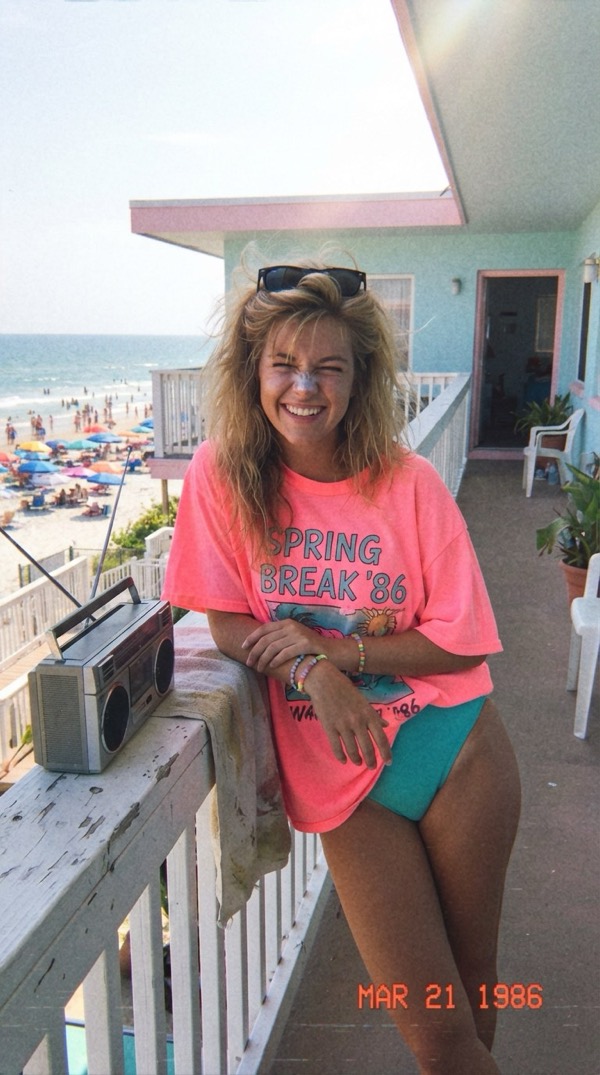
Spring Break '86
One perfect spring break day in 1986, straight off a VHS tape.
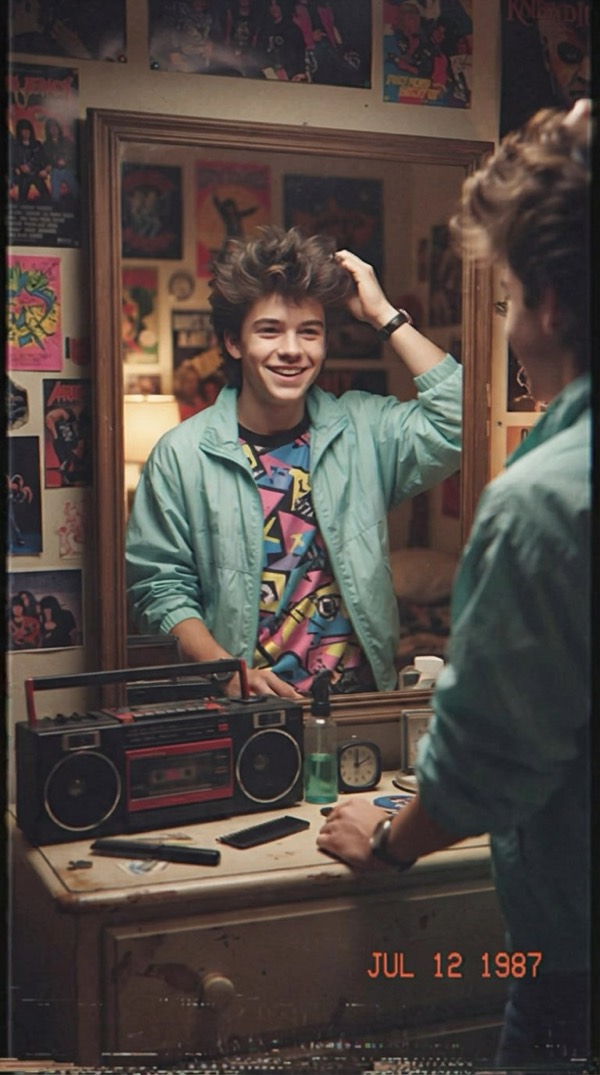
A Day in 1987
Your summer day in 1987 on a VHS home video.

Earth Zoom Out
One unbroken shot from you on the ground all the way out to space.

Skyfall
Free-fall through golden clouds, then slow motion on your fit.