
Stadium Fan Cam Trend
The stadium fan cam trend shows you getting spotted by the broadcast camera in a packed stadium, the telephoto fan cam look that took off with KBO baseball. Vydeob creates your fan cam from a selfie.
16:9 format · 20 credits per video
How to use the Stadium Fan Cam template
- Download VydeobGet Vydeob free from the App Store on your iPhone.
- Open the Stadium Fan Cam templateFind “Stadium Fan Cam” in the Trending tab or search for it.
- Choose your photosUpload one clear photo of your subject.
- Generate and shareTap Generate. Your video is ready in seconds, then save it or post it.
Template settings · Team / jersey, Broadcast look, Sport
Stadium Fan Cam Trend: questions
How do I do the Stadium Fan Cam Trend?
Download Vydeob on your iPhone, open the Stadium Fan Cam template. Upload one clear photo of your subject. Then tap Generate.
What app makes the Stadium Fan Cam Trend?
Vydeob makes the Stadium Fan Cam video from your own photo. It is built for viral AI trends, so there are no prompts to write.
Is the Stadium Fan Cam Trend free?
Vydeob is free to download and shows you a free preview of yourself during setup. Making trend videos uses credits, which come with the weekly plan or one-time credit packs.
Can I make it on Android?
Not yet. Vydeob is available on iPhone and iPad from the App Store.
Similar AI trends
See all →
Victory Trophy
Lift the championship trophy under floodlights.

Tunnel Entrance
A cinematic slow-mo player entrance.
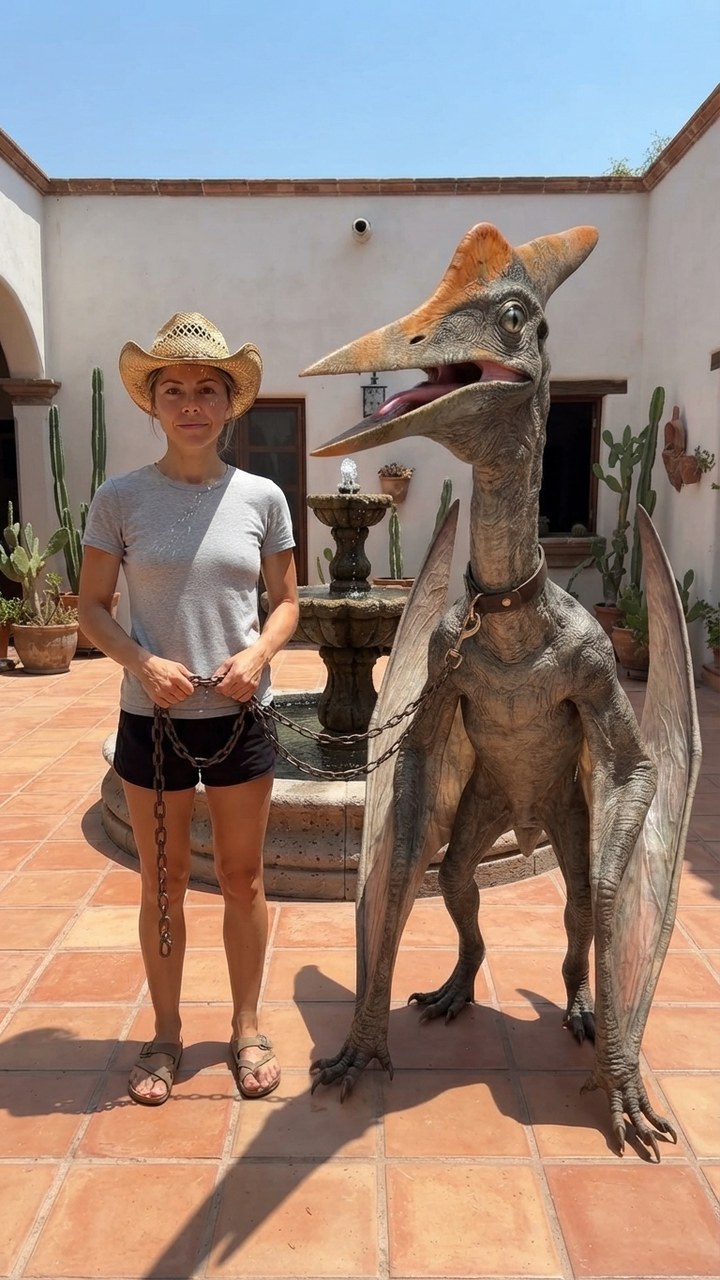
Mexico Pterodactyl
Walk your pet pterodactyl on a chain through a sunny Mexican courtyard like it's normal.

Sheru Bhai AI
Stand next to Sheru Bhai, the white lion boss in a white suit, on his yacht.

GTA 6 Loading Screen
You as the painted hero of a GTA 6 loading screen under a pink Vice City sunset.

James Bond Reveal
Step out of total darkness in a tuxedo like the next 007.

Pixar Snow Globe
You as a tiny animated-movie character inside a glowing Christmas snow globe.

You Never Let Her Pay
Stop your date from paying, pull out a sponge instead of a wallet, end up washing dishes.