

AI Birthday Video: Make a Wish
A warm, candlelit cake moment as you make a wish. A heartfelt AI birthday video, made from one photo.
9:16 format · 20 credits per video
How to use the Birthday Wish template
- Download VydeobGet Vydeob free from the App Store on your iPhone.
- Open the Birthday Wish templateFind “Birthday Wish” in the Trending tab or search for it.
- Choose your photosUpload one clear photo of your subject.
- Generate and shareTap Generate. Your video is ready in seconds, then save it or post it.
AI Birthday Video: Make a Wish: questions
How do I do the AI Birthday Video: Make a Wish?
Download Vydeob on your iPhone, open the Birthday Wish template. Upload one clear photo of your subject. Then tap Generate.
What app makes the AI Birthday Video: Make a Wish?
Vydeob makes the Birthday Wish video from your own photo. It is built for viral AI trends, so there are no prompts to write.
Is the AI Birthday Video: Make a Wish free?
Vydeob is free to download and shows you a free preview of yourself during setup. Making trend videos uses credits, which come with the weekly plan or one-time credit packs.
Can I make it on Android?
Not yet. Vydeob is available on iPhone and iPad from the App Store.
Similar AI trends
See all →
Confetti Pop
A burst of confetti and balloons.

Neon Party
Star of a vibrant neon party.
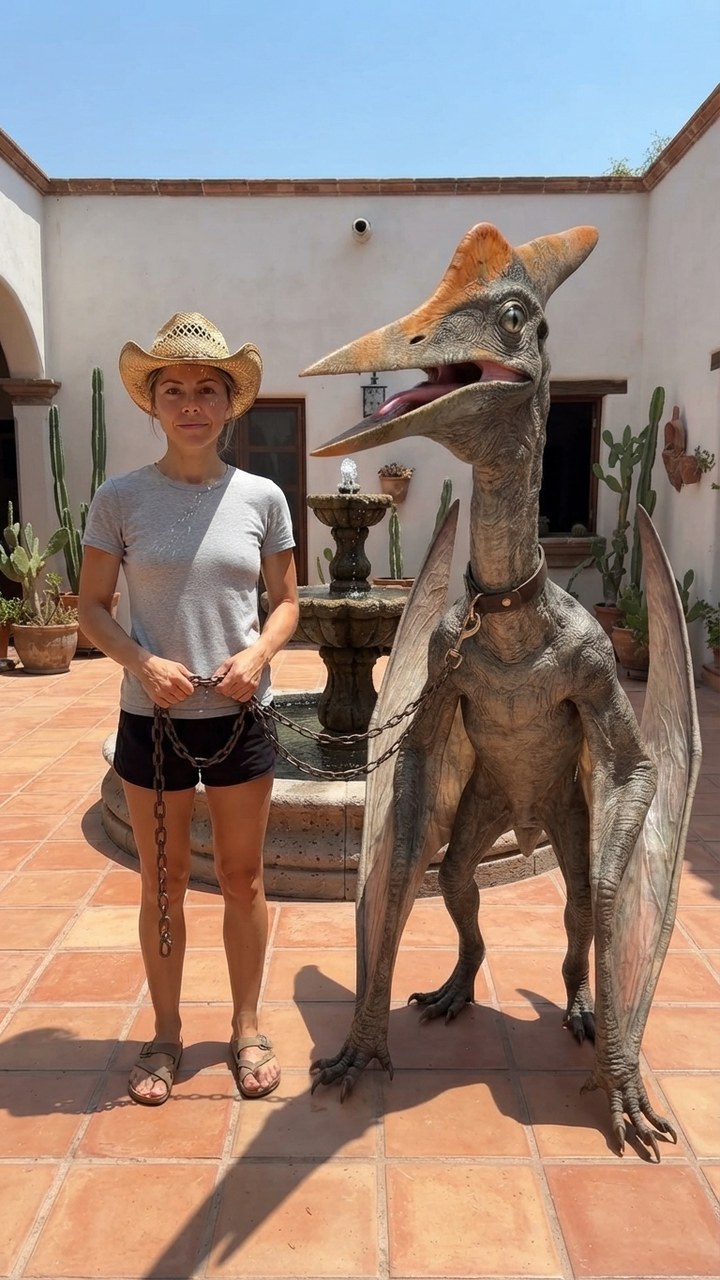
Mexico Pterodactyl
Walk your pet pterodactyl on a chain through a sunny Mexican courtyard like it's normal.
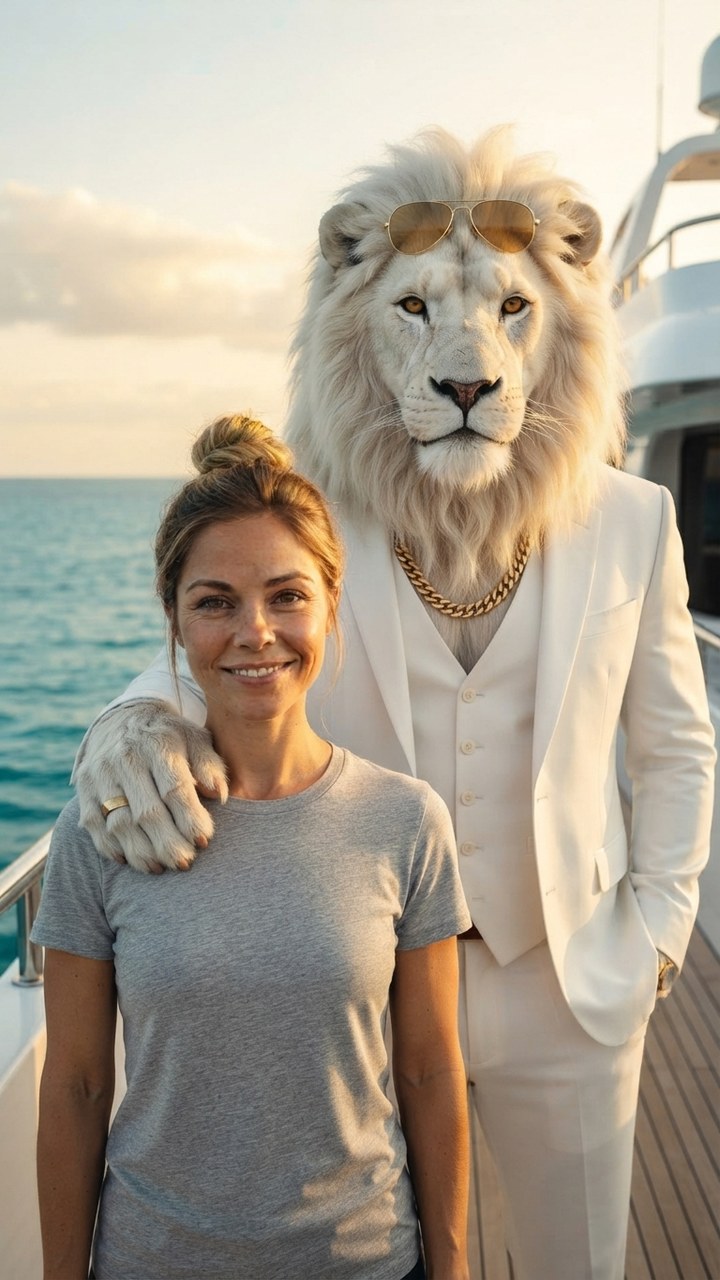
Sheru Bhai AI
Stand next to Sheru Bhai, the white lion boss in a white suit, on his yacht.

GTA 6 Loading Screen
You as the painted hero of a GTA 6 loading screen under a pink Vice City sunset.
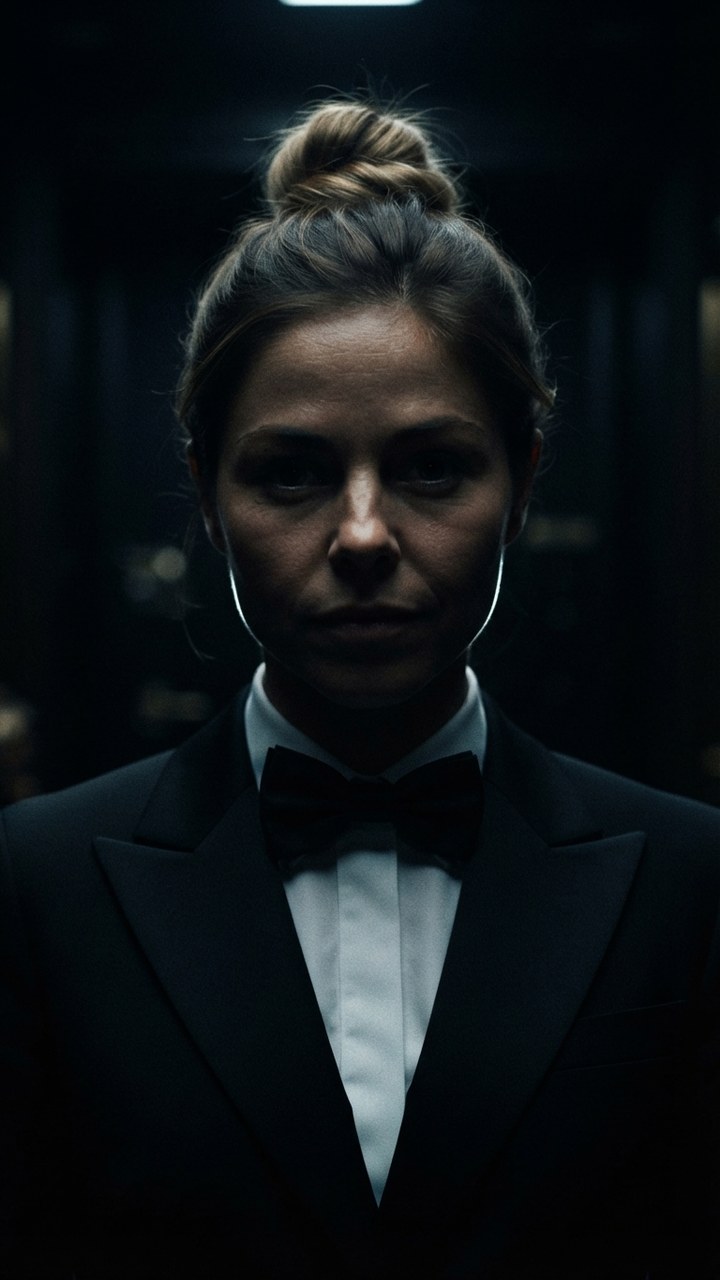
James Bond Reveal
Step out of total darkness in a tuxedo like the next 007.

Pixar Snow Globe
You as a tiny animated-movie character inside a glowing Christmas snow globe.

You Never Let Her Pay
Stop your date from paying, pull out a sponge instead of a wallet, end up washing dishes.