
Birds of a Feather AI Trend
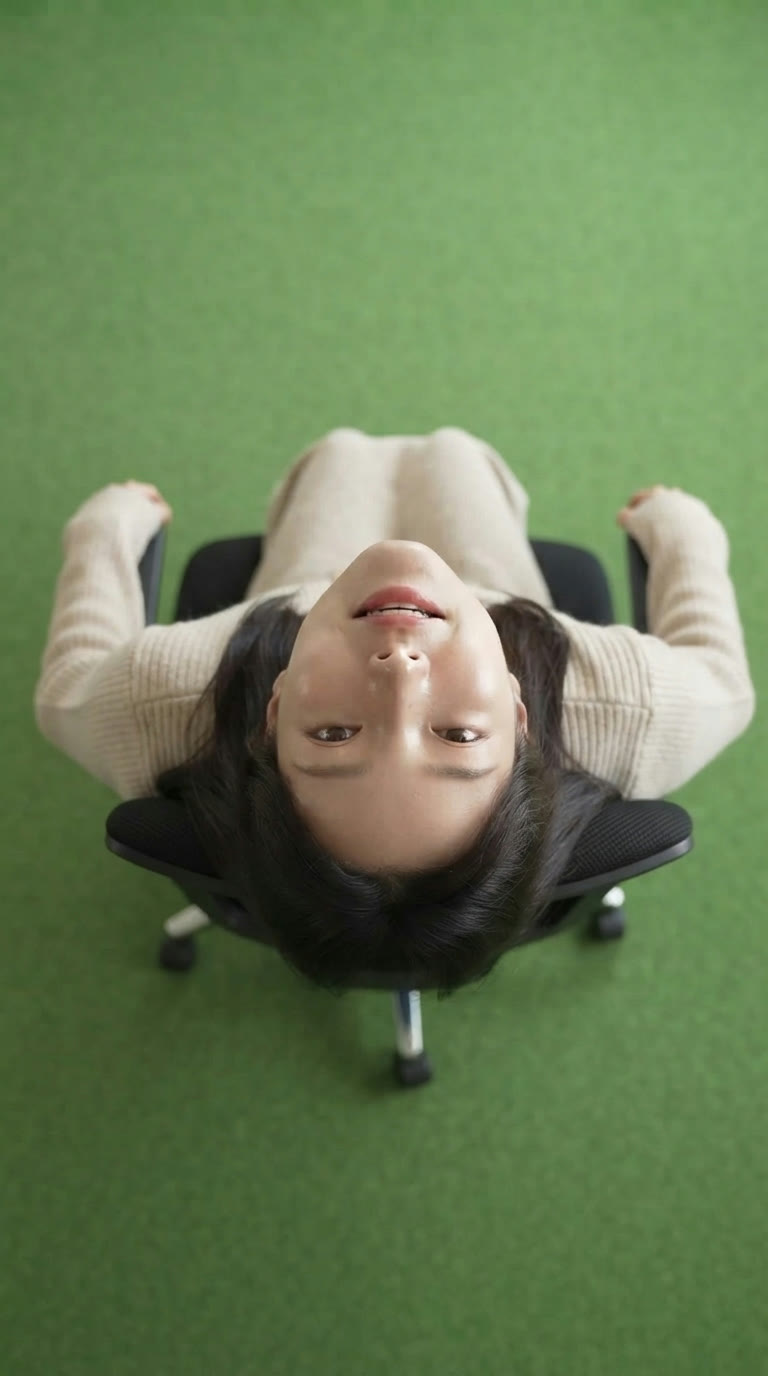
Lean back and spin in an office chair, shot from straight above.
10-second clip · 9:16 format · 20 credits per video
How to use the Birds of a Feather template
- Download VydeobGet Vydeob free from the App Store on your iPhone.
- Open the Birds of a Feather templateFind “Birds of a Feather” in the Trending tab or search for it.
- Choose your photosUpload one clear photo of your subject.
- Generate and shareTap Generate. Your video is ready in seconds, then save it or post it.
Birds of a Feather AI Trend: questions
How do I do the Birds of a Feather AI Trend?
Download Vydeob on your iPhone, open the Birds of a Feather template. Upload one clear photo of your subject. Then tap Generate.
What app makes the Birds of a Feather AI Trend?
Vydeob makes the Birds of a Feather video from your own photo. It is built for viral AI trends, so there are no prompts to write.
Is the Birds of a Feather AI Trend free?
Vydeob is free to download and shows you a free preview of yourself during setup. Making trend videos uses credits, which come with the weekly plan or one-time credit packs.
Can I make it on Android?
Not yet. Vydeob is available on iPhone and iPad from the App Store.
Similar AI trends
See all →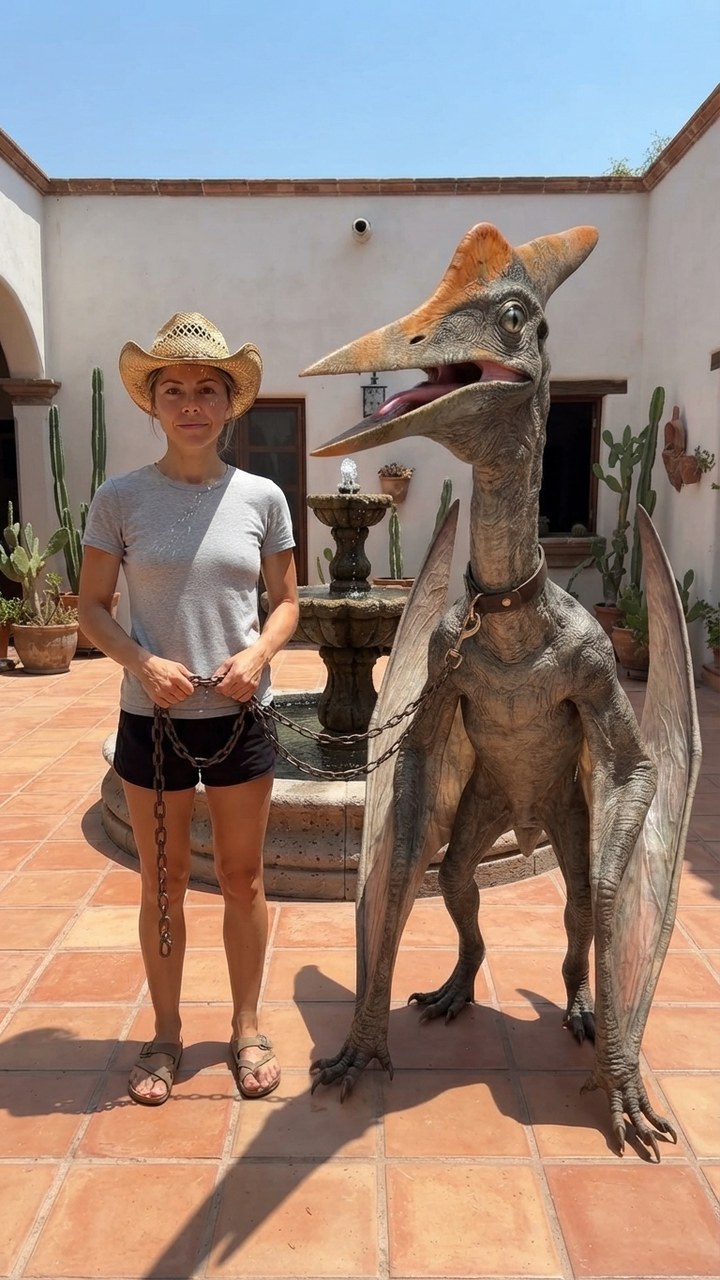
Mexico Pterodactyl
Walk your pet pterodactyl on a chain through a sunny Mexican courtyard like it's normal.

Sheru Bhai AI
Stand next to Sheru Bhai, the white lion boss in a white suit, on his yacht.

GTA 6 Loading Screen
You as the painted hero of a GTA 6 loading screen under a pink Vice City sunset.
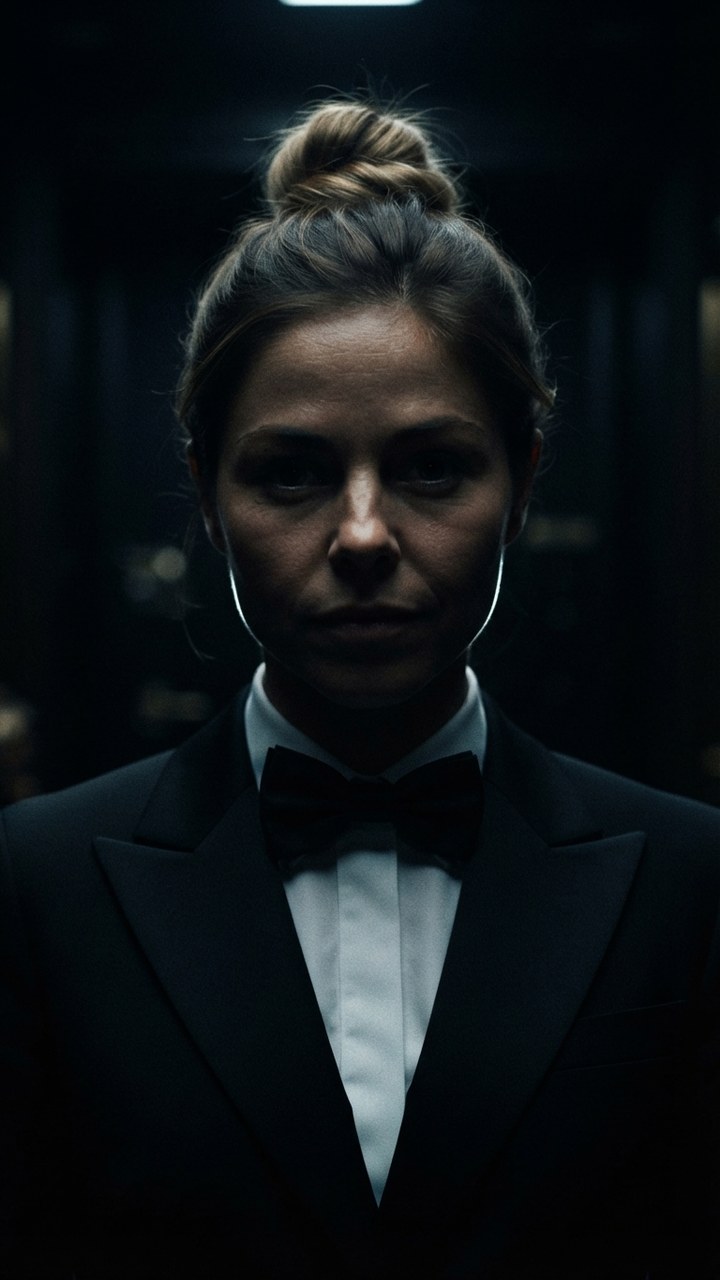
James Bond Reveal
Step out of total darkness in a tuxedo like the next 007.

Pixar Snow Globe
You as a tiny animated-movie character inside a glowing Christmas snow globe.

Your First Time In a Fancy Cafe
You sit on the table thinking it's a chair. Then someone sits on the bench.

Tiny Desk AI
Front and center at your own Tiny Desk concert, the band right behind you.
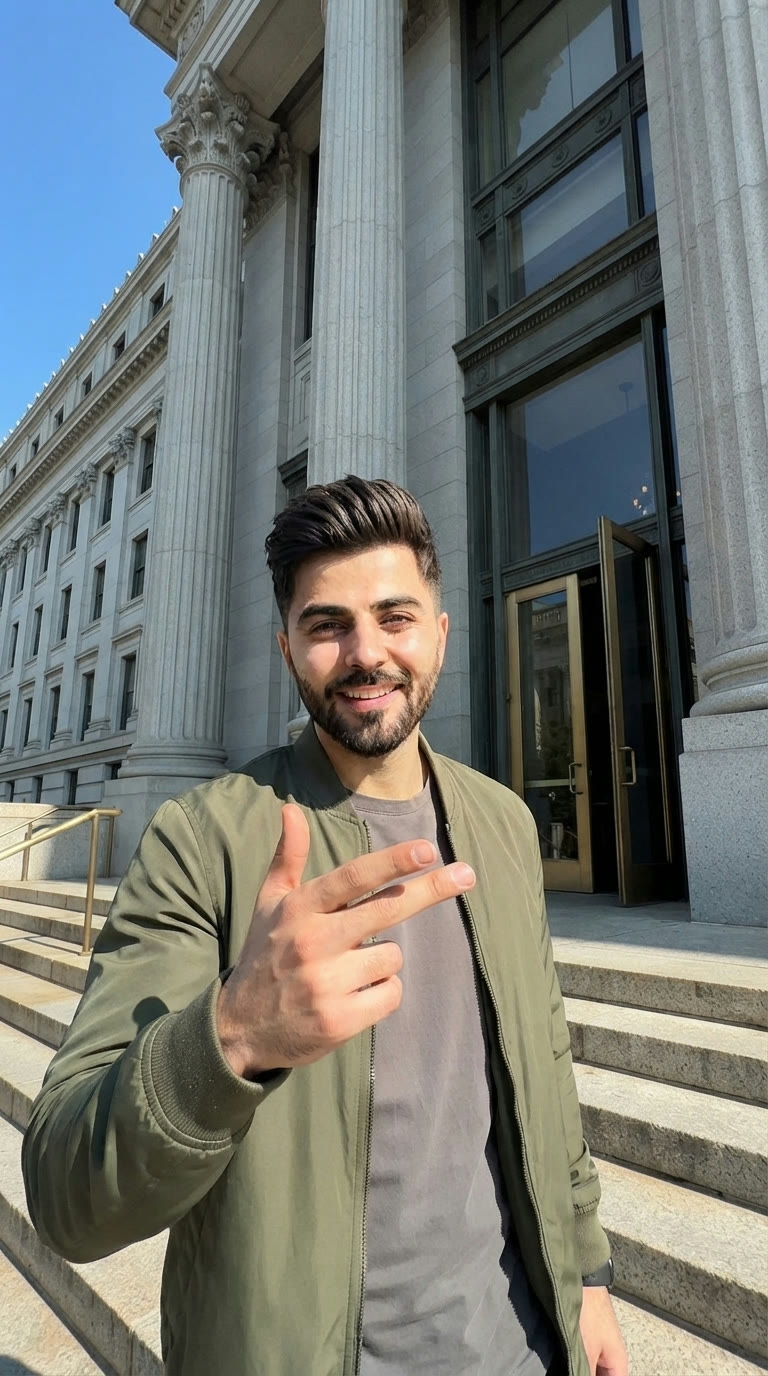
I Just Beat The Case
Burst out of the courthouse and dance down the steps like you just won.