Oscars AI Trend: Three Eras of You
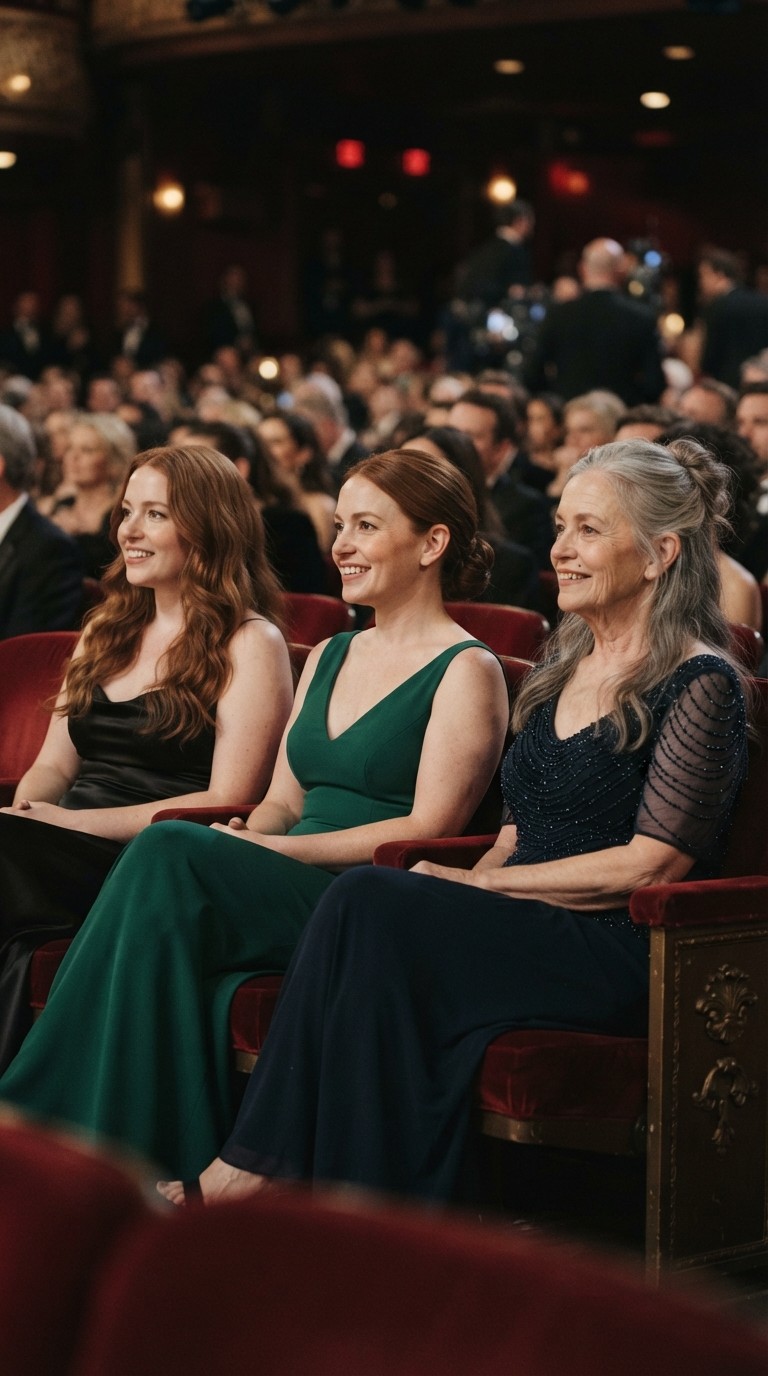
Three chapters of your life meet in the front row of an awards show. Add three photos of you from different ages and Vydeob seats them side by side, a staged take on the viral you and your younger self AI trend.
10-second clip · 16:9 format · 50 credits per video
How to use the Oscars Nominations template
- Download VydeobGet Vydeob free from the App Store on your iPhone.
- Open the Oscars Nominations templateFind “Oscars Nominations” in the Trending tab or search for it.
- Choose your photosAdd 3 separate photos in this order: Earlier phase, Middle phase, Later phase.
- Generate and shareTap Generate. Your video is ready in seconds, then save it or post it.
Oscars AI Trend: Three Eras of You: questions
How do I do the Oscars AI Trend: Three Eras of You?
Download Vydeob on your iPhone, open the Oscars Nominations template. Add 3 separate photos in this order: Earlier phase, Middle phase, Later phase. Then tap Generate.
What app makes the Oscars AI Trend: Three Eras of You?
Vydeob makes the Oscars Nominations video from your own photo. It is built for viral AI trends, so there are no prompts to write.
Is the Oscars AI Trend: Three Eras of You free?
Vydeob is free to download and shows you a free preview of yourself during setup. Making trend videos uses credits, which come with the weekly plan or one-time credit packs.
Can I make it on Android?
Not yet. Vydeob is available on iPhone and iPad from the App Store.
Similar AI trends
See all →
Older-Self Filter
See your wise, graceful older self.
Renaissance
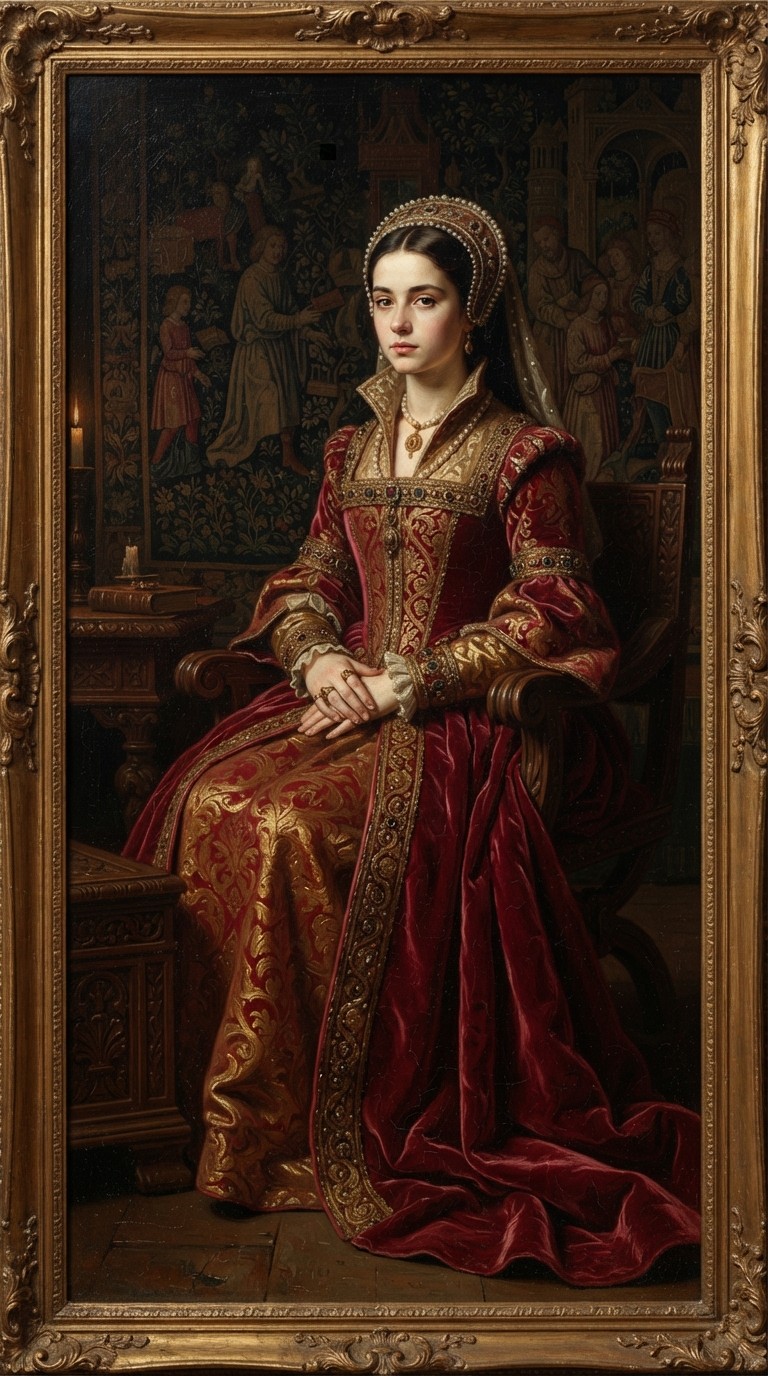
A regal old-master oil painting.

Future-Self Filter
A sleek futuristic version of you.
Mexico Pterodactyl
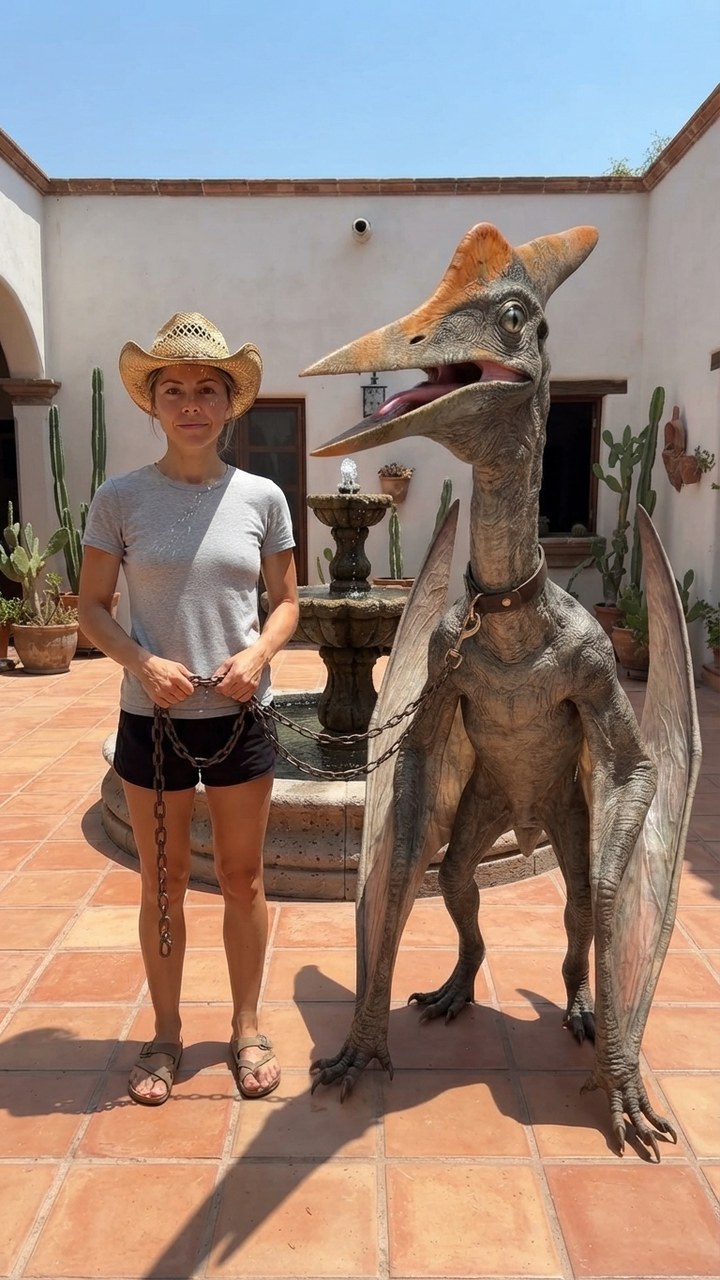
Walk your pet pterodactyl on a chain through a sunny Mexican courtyard like it's normal.
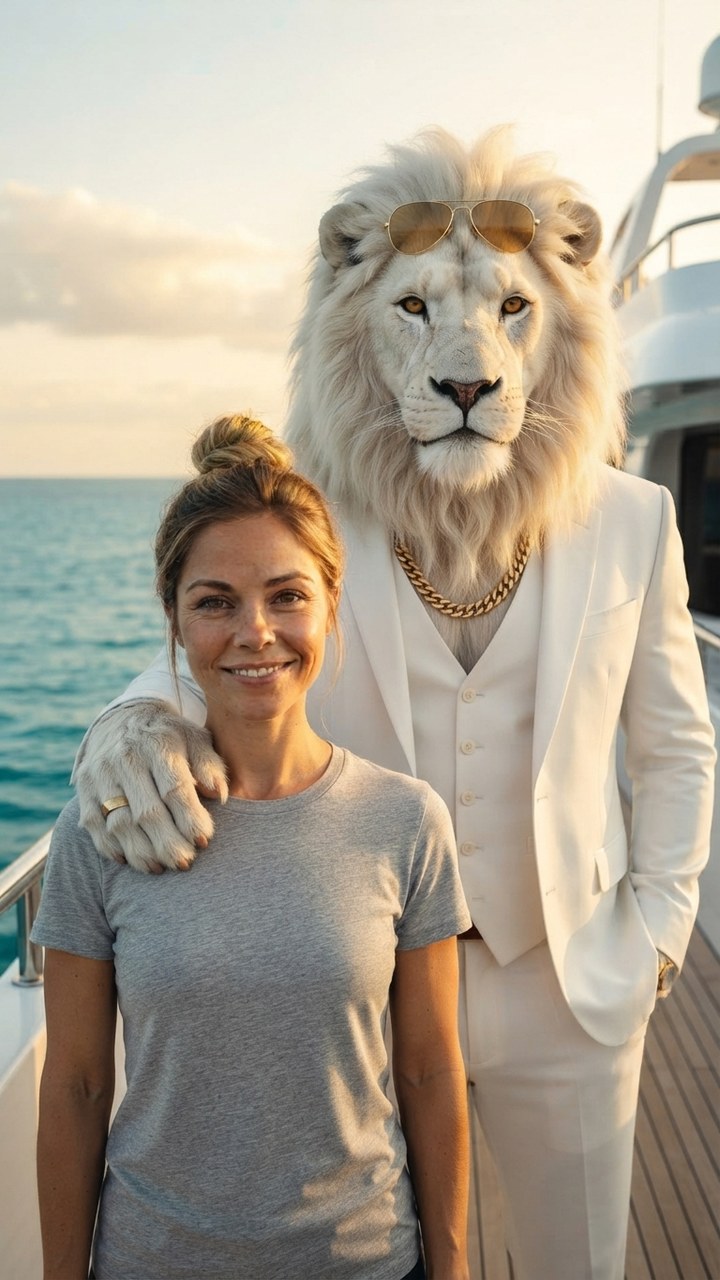
Sheru Bhai AI
Stand next to Sheru Bhai, the white lion boss in a white suit, on his yacht.

GTA 6 Loading Screen
You as the painted hero of a GTA 6 loading screen under a pink Vice City sunset.

James Bond Reveal
Step out of total darkness in a tuxedo like the next 007.
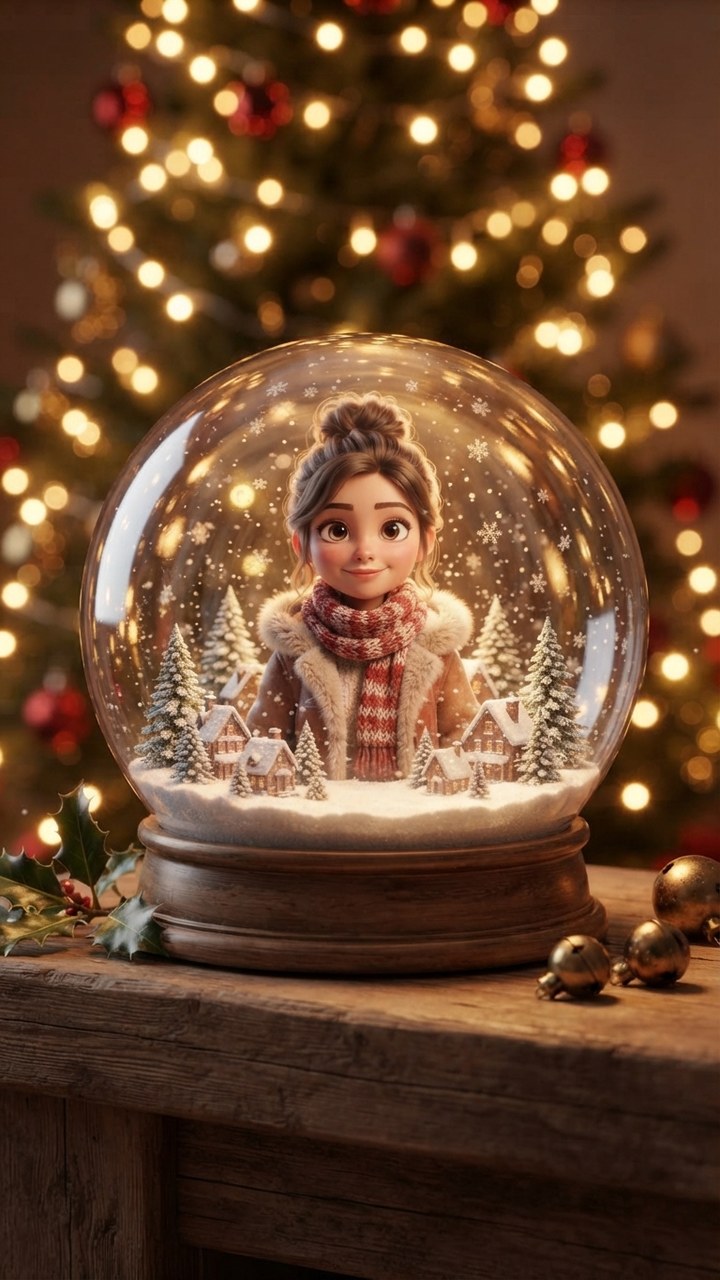
Pixar Snow Globe
You as a tiny animated-movie character inside a glowing Christmas snow globe.